
YOUR FRIEND. YOUR TABLE.
Play Ping Pong online with a friend.
Send a private invitation, take opposite ends, and let the first serve fly. Two browsers share one table and a friendly race to eleven.
- First to 11Win by two
- Three ways to playTogether or solo
- Free in your browserNo account needed
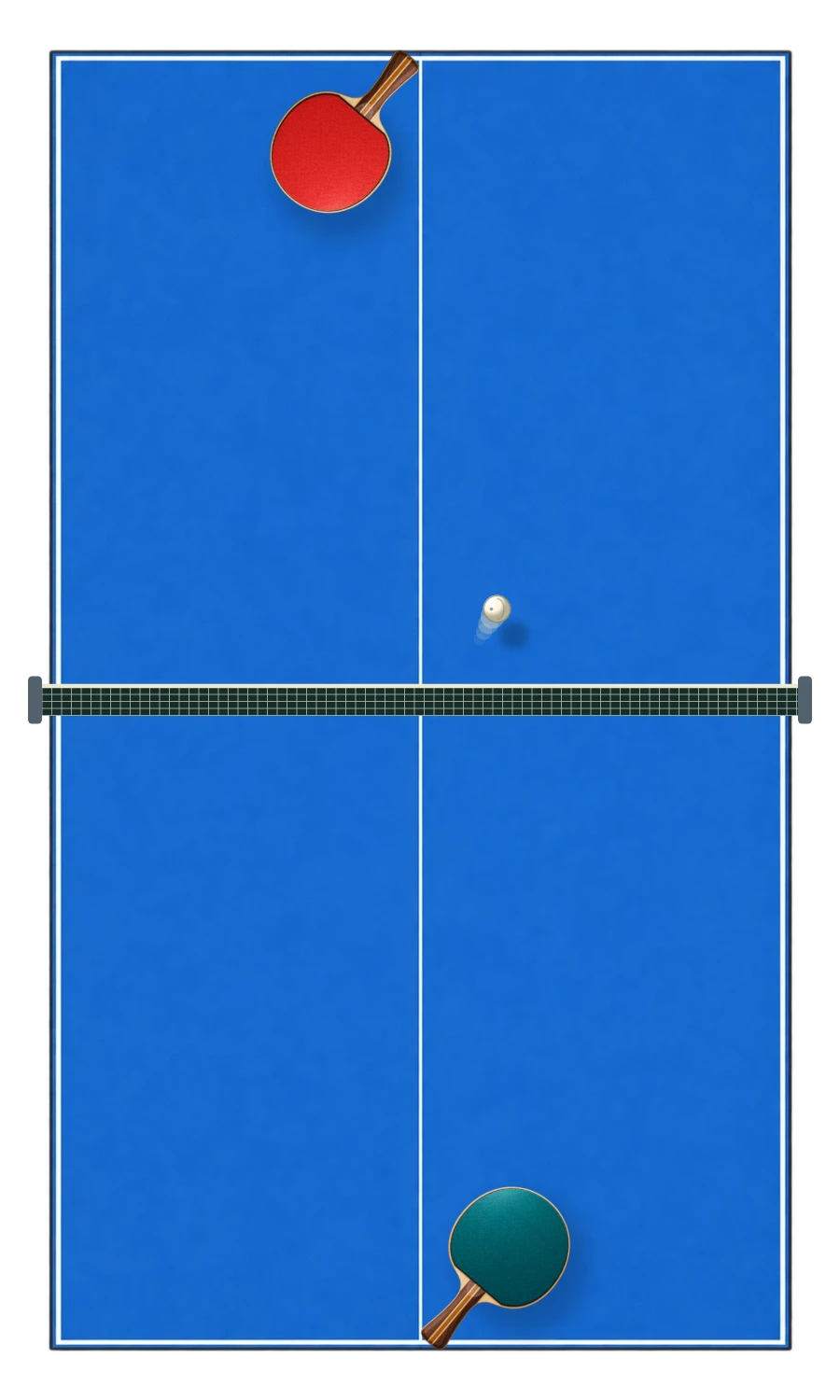
Move into position; the paddle does the rest.
Use edge contact and sideways movement.
Mouse, touch and keyboard controls.
Send a link. Meet at the table.
- Create a table. Invite a friend opens a new private room.
- Copy the invitation. Share that link with the person you want to play.
- Open a second browser. Your friend joins from their own device. Reopening in your original browser restores your own seat.
- Both press Ready to play. The creator serves first, after a brief countdown.
Your paddle appears at the near end and you control only that paddle. The creator is turquoise and the guest is coral. Invitations are private links for the available seat, not a public lobby or a random-opponent queue.
Sitting together? Try Ping Pong on one device. For a warm-up, open a computer match. The online guide compares all three modes.
Your paddle, your angle.
Move the mouse over the table without holding a button. On a touch screen, slide a finger along your half; two players can move at once on a multitouch screen. Your paddle follows the position across the width of the table, staying along its own end.
On a shared keyboard, Player 1 uses WASD and Player 2 uses the arrow keys. With a vertical table, use A/D and left/right; when the table turns sideways, use W/S and up/down. In computer and online modes, either key group controls your own paddle. Space pauses or resumes.
Larger screens show the table from the player’s end in perspective. Mobile screens use a flat view from above, turning the table sideways in a wide window. Online, your end stays nearest to you. A gold dot by the score identifies the server.
Eleven points. Two clear.
Win the game by reaching at least 11 points with a two-point lead. At 10–10 the game continues: 11–10 is not enough, but 12–10 wins. The first player serves first. The serve changes after every two points, then after every point from 10–10 onwards.
A missed return gives the other player one point. A short pause separates points; the next serve starts automatically. Your paddle stays along your end of the table. There are no side walls to bounce off.
On a serve, the ball bounces on the server’s half first, then on the receiver’s half. Each return must bounce once on the receiver’s half before the paddle hits it. A second bounce, a volley or a shot into the net loses the point. A valid serve that clips the net is replayed. Serves and paddle strokes are automatic: line up with the ball, then use edge contact or sideways movement to change the angle. Each return increases the pace.
Keep your place at the table.
Same device and computer matches have separate browser saves. Returning to the page restores the relevant score and waits for you to resume. New round resets the score while retaining the mode and computer difficulty. Clearing site data removes local saves.
An online pause, lost connection or switch away from the tab pauses both players. Return through the same invitation in the same browser, then both press Ready. Points are saved before confirmation; active rallies are checkpointed periodically and may resume from the latest checkpoint after a server restart. Both players must agree to a new round. Inactive rooms expire after seven days; clearing site data removes your saved seat.
Make the next return count.
Try meeting the ball away from the centre of your paddle. Edge contact sends it toward a different part of the other end. A sideways movement at contact also influences the angle, so a small adjustment can be more useful than a frantic swipe.
Recover toward the middle after attacking. Staying at one edge makes a wide return harder to reach. Watch the ball immediately after your opponent hits it; longer rallies become faster, and early movement gives you more time.
GOOD TO KNOW
Ping Pong Play with a Friend FAQ
Is Ping Pong free to play?
Yes. All three modes run in your browser without an account or payment.
What happens at 10–10?
The game continues until someone leads by two points. From 10–10 the serve changes after each point.
Do I need to click to hit the ball?
No. Move your paddle into the path of the ball. Serves, bounces and returns are automatic in this arcade version.
Can I play on a phone?
Yes. Slide a finger on your half. Two people can share a multitouch screen, or play online from separate devices.
Can my friend reset the score without me?
No. Either person can request a rematch, but both must agree before the score resets.
What happens if one player disconnects?
The match pauses. Reopen the invitation in the same browser, reconnect and both press Ready to resume.
Who serves first?
The room creator, using the turquoise paddle, serves first. Service switches after two points and after every point from 10–10.