
ONE SCREEN. TWO SIDES.
Reversi for two. A board that keeps changing.
Settle around a green board and take turns turning the position your way. A single disc can change more than you expect.
- One shared screenTake turns together
- 8 × 8 squaresBlack begins
- Most discs winsCount at the end
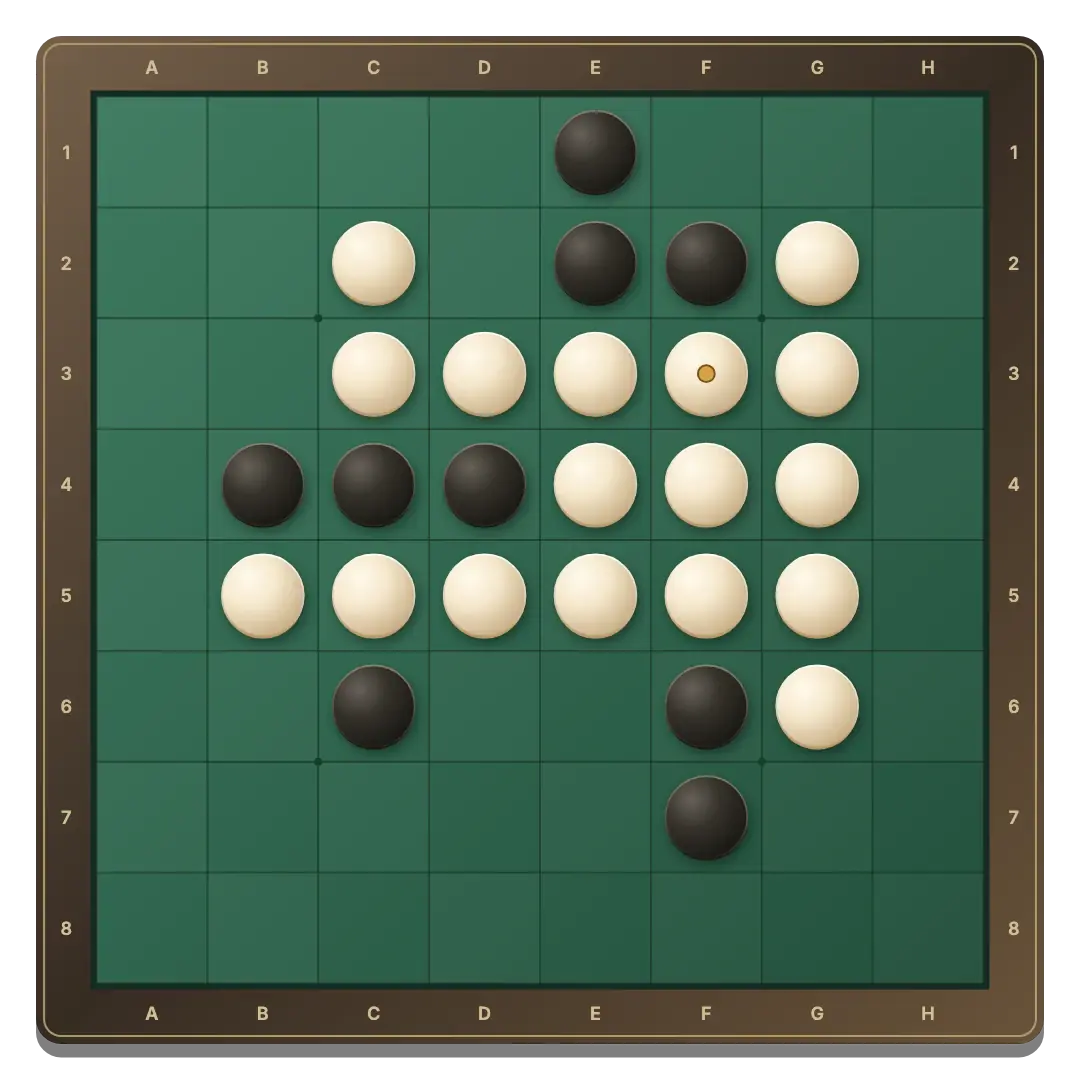
Four discs are already set up.
Small rings mark legal placements.
Your local round saves in this browser.
Share a device and choose a color
- Open the board. The button starts Same device mode or restores your saved local game.
- Choose sides. Player 1 uses Black; Player 2 uses White. Black starts.
- Find a highlighted square. Tap it to place a disc and flip every trapped line.
- Watch the player cards. The highlighted card identifies the active player, and both cards show the current disc counts.
A move has to turn something over
Start with four discs in the center of an 8 × 8 board. Black goes first. A legal placement traps at least one opposing disc between the new disc and an existing disc of your color. Every trapped line flips, including diagonals. Flips do not cause chain reactions.
A player with no legal move passes automatically. When neither player can move, the round ends, even with empty squares remaining. The larger disc count wins; equal counts are a draw. See the full rules.
A comfortable board on your shared screen
Tap or click a highlighted square. The entire position is public, so there is no hidden-hand screen to dismiss between turns. A gold dot marks the latest placement.
For keyboard play, Tab to the board, choose a square with the arrow keys and use Enter or Space. Home selects an available move. If you are in different places, invite a friend by private link.
Think about the moves you leave behind
Taking the most discs immediately can give your opponent useful choices. Before placing, look at the squares your move opens for the other color.
A corner disc cannot be flipped. Be careful about giving access to an empty corner by playing beside it. Try these ideas in computer practice before your next shared game.
Keep your round between visits
Same device and Vs computer have separate browser saves. Switching back restores the corresponding board. Clearing site data removes these saves.
New round asks before replacing an unfinished local game. Play again starts another round after the result. Black starts each time; there is no clock or cumulative match score.
GOOD TO KNOW
Reversi 2 Player FAQ
Can we play together on one phone?
Yes. Open Same device and take turns tapping the board. Both players can see every disc.
Can I skip a turn?
Only if you have no legal placement. The game handles that pass automatically.
Do the early disc counts decide the winner?
No. Only the counts when neither player can move decide the result.
Can two people use different devices?
Yes. Choose Play with a friend to create a private room and share its invitation.