
ONE BOARD. TWO GROWING ARMIES.
Shogi for 2 players. Every capture opens a door.
Share a screen and discover Japanese chess together. Pieces change sides when captured, so even a quiet position can hold a surprise.
- 9 × 9 boardA full standard starting position
- Sente startsThen alternate one action each
- No clockRoom to think together
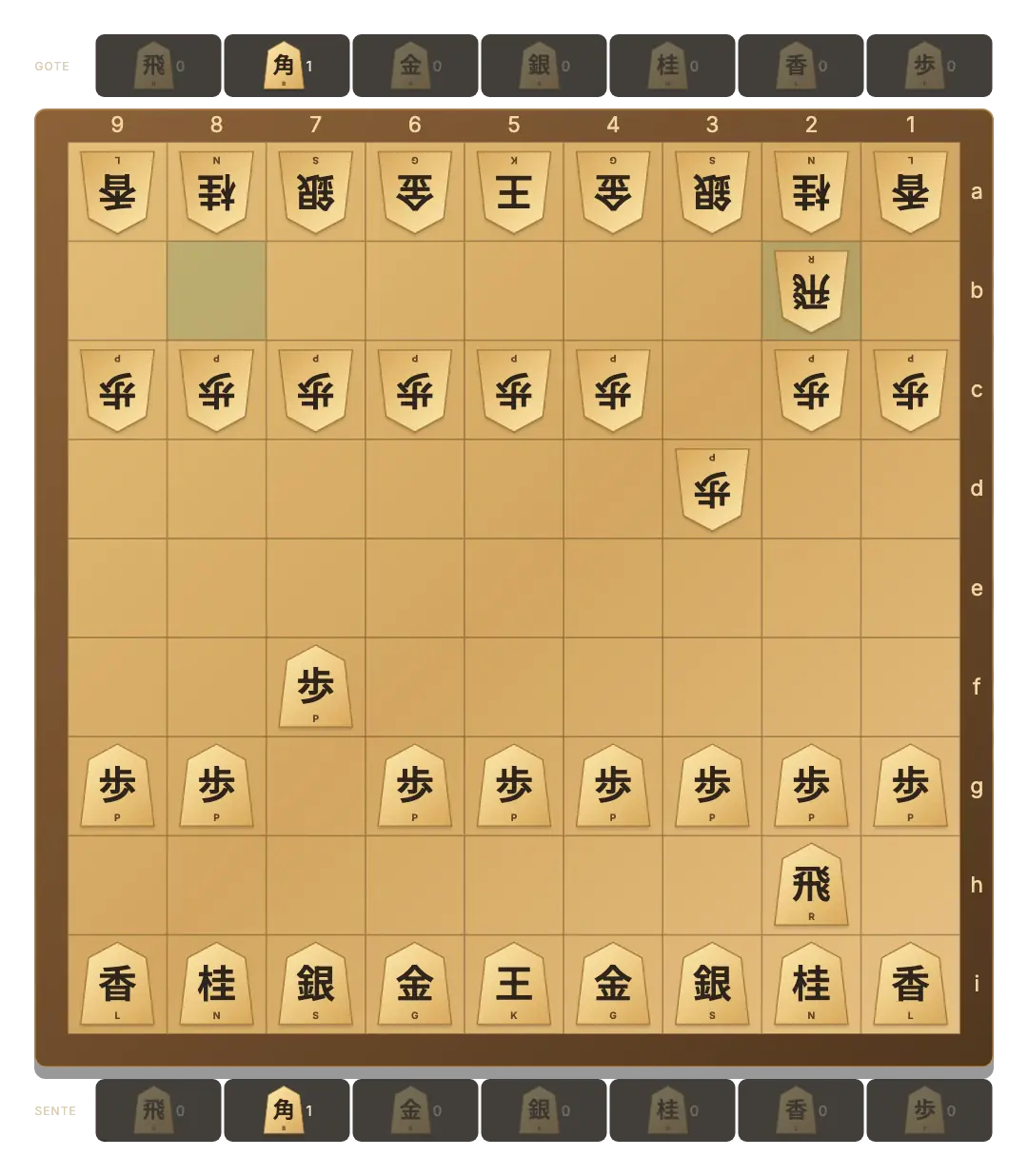
Both players can see the board and both hands.
Legal destinations appear for a piece or a drop.
Local moves save in this browser when storage is available.
Start a shared Shogi board
- Open Same device. The button starts a local board or restores your saved game.
- Choose sides. Player 1 is Sente, also called Black, and starts. Player 2 is Gote, or White.
- Select and move. Tap a piece and a highlighted square. Captured pieces appear in your hand.
- Pass the device. The highlighted player card marks the next player. Use Game menu → Flip board to change the view.
Recognize the pieces without rushing
Wooden pieces point toward the opposing side. Japanese characters are paired with small Latin labels: K king, R rook, B bishop, G gold, S silver, N knight, L lance and P pawn. A plus sign and red character mark a promoted piece.
Unlike a chess pawn, a Shogi pawn captures straight ahead. Knights jump only forward, and a lance slides forward along its file. Select a piece to explore its legal destinations; read the full movement guide for the rest.
A capture is only the beginning
A captured piece joins your hand, loses any promotion, and can later return as one of your own pieces. Choose a hand piece and an empty highlighted square to spend your turn on a drop.
You cannot drop a second unpromoted pawn on a file where you already have one. A piece cannot be dropped where it would have no future move, and a pawn drop cannot deliver immediate checkmate. The board filters these illegal choices.
Continue the challenge on separate devices
For a new game across two screens, create a private Shogi invitation. Online play has its own board; switching modes does not transfer this local position. You can return to the saved local game later.
Between shared games, practise against the computer. The online guide explains all three ways to play.
GOOD TO KNOW
Shogi 2 Player FAQ
Can we play Shogi on one phone?
Yes. Both hands are public, so take turns selecting pieces and destinations on the same screen.
Does the board rotate automatically?
No. Choose Flip board from Game menu when you want to change the view.
Can we cancel a promotion choice?
Yes. Cancel closes the choice without making a move. Mandatory promotions happen automatically.
Does starting a new round erase our position?
A new local round replaces the current local game after confirmation. The computer game has a separate save.
How do we use a keyboard?
Use Tab to focus a board square or an available hand piece. Press Enter or Space to select it, then activate the destination.