
TWO MALLETS. ONE PUCK.
Air Hockey 2 player. Bring your quick reflexes.
A quick save, a clean bank shot, and a friend who wants a rematch. Share a screen and play at the same time on a table made for a little friendly competition.
- Move togetherSimultaneous play
- First to 7Every goal counts
- Free to playNo account needed
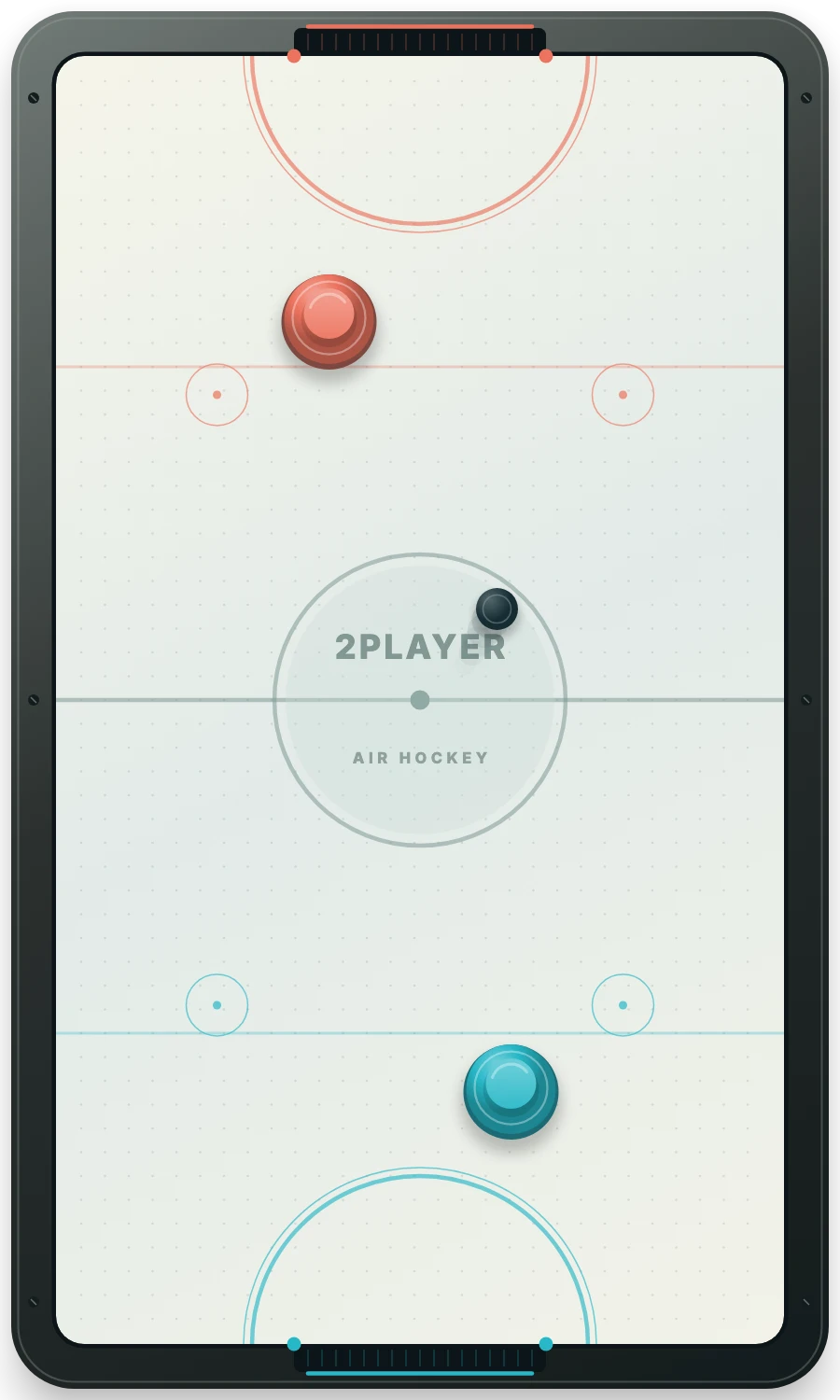
Both players can drag their mallets at the same time on a multi-touch device.
Player 1 uses W A S D. Player 2 uses the arrow keys.
Attack with angles and speed while keeping your own goal covered.
How to start a 2 player Air Hockey game
- Open the table. The play button opens Same device mode and restores its saved match when available.
- Choose your end. Player 1 has the blue mallet; Player 2 has the coral mallet.
- Press Let’s play. A short face-off pause gives you time to get into position.
- Strike and defend. Both mallets move at once. The first player to score 7 goals wins.
On a phone or tablet, each person drags on their half of the table. On a computer, click the rink to focus it, then use W A S D and the arrow keys. A mouse controls one dragged mallet at a time; a shared keyboard is the better choice for two simultaneous players.
Make room for both players
Set a multi-touch device where both people can comfortably reach their end. Keep your finger on your half; your mallet cannot cross the centre line. A wide window turns the table sideways to make better use of the available space.
You can drag anywhere on your half to steer your mallet. Fast movement creates a harder strike, while small movements help keep the goal covered. On a keyboard, diagonal movement uses two keys together.
For separate devices, use Air Hockey with a friend and share a private invitation. The online overview explains all three browser modes.
Seven goals settle the match
A goal counts when the puck goes fully through the opening at the opposite end. Shots outside the opening bounce back into play. Side rails and goal posts can change the direction of a shot, so keep defending after a miss.
After each goal, both mallets return to their starting positions and the player who conceded receives the puck. There is a short pause before play resumes. These are casual first-to-7 matches, without a match clock or tournament penalties.
Pause stops a local match immediately. Leaving the tab also pauses it. Use New round to clear the score and start again in the same mode. The complete Air Hockey rules are available before you play.
Try a different angle
A straight shot is easy to recognise. Try bouncing the puck off one side rail so it reaches the other goal from a different direction. Follow the puck after contact, and move your mallet back toward the goal when the attack ends.
Watch the gap between your mallet and the goal. Chasing the puck too far across your half can leave an open route behind you. A short controlled touch can set up a better second strike.
Between games with a friend, practise against the computer at Easy, Medium or Hard difficulty.
GOOD TO KNOW
Air Hockey 2 Player FAQ
Can two people play Air Hockey on one phone?
Yes, on a multi-touch screen. Each player drags on their own half, and both can move at the same time.
How do two players use one computer?
Click the rink, then use W A S D for Player 1 and the arrow keys for Player 2. A single mouse can drag one mallet at a time.
What score wins?
The first player to reach 7 goals wins. There is no match clock or win-by-two requirement.
Can we play from different devices?
Yes. Create a private invitation and open it in your friend’s browser.
Does Same device keep our score?
The match saves in this browser when storage is available. A restored game waits for you to press Let’s play before moving again.
A little rivalry looks good on you.
Pick an end of the table and give your friend a game.
Play 2 Player Air Hockey