
ONE BOARD. TWO RIVALS.
Carrom 2 player. Your side of the board.
Aim across the table, pocket your coins and give your friend a shot to remember. Play two-player Carrom on one screen or bring two devices to a private online board.
- Two playersWhite against black
- One screen or twoYour choice
- Free in your browserNo account needed
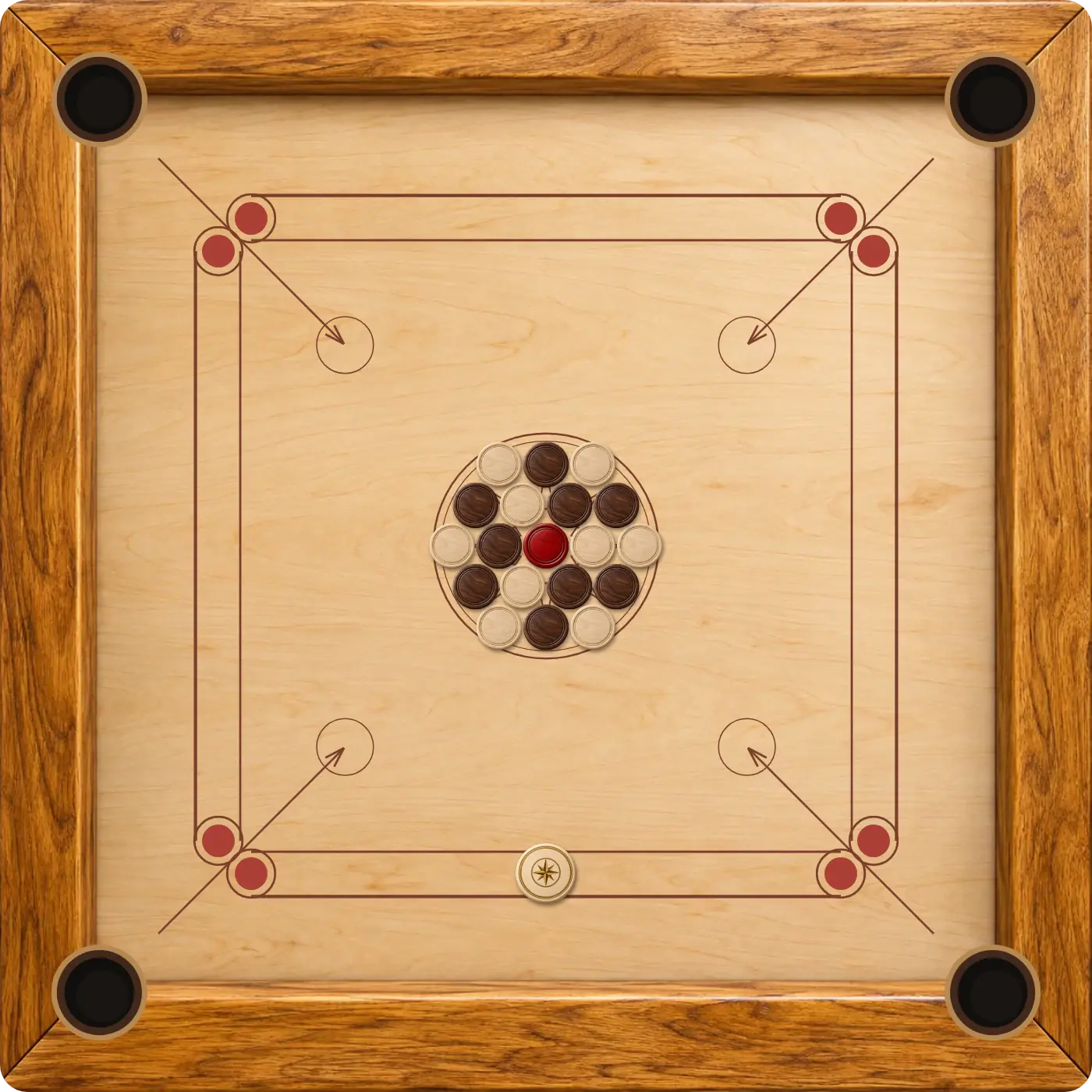
Take turns on the same phone, tablet or computer.
Send a private invitation when you are playing apart.
Cover the red queen before either player can finish.
How to start a 2 player Carrom game
- Open the shared board. Select Play 2 Player Carrom to enter Same device mode. A saved local board can resume in the same browser.
- Choose your colours. Player 1 shoots white and breaks first. Player 2 shoots black.
- Take a practice shot. Move the striker along the active baseline, pull it back and release.
- Follow the turn indicator. The view faces the active player. Wait for the pieces to settle before the next shot.
If you want to start over, use New round in the game. Returning to Same device does not need to erase an unfinished board.
One screen or two devices?
Side by side on one device
A tablet gives both people a clear view of the coins. On a phone, pass the device when the turn changes; on a computer, take turns with the mouse. Both players can see the full board, so there are no hidden hands to protect.
A private board across two screens
For separate devices, use the Carrom with a friend guide to create an invitation. The host plays white and the guest plays black. Each person uses their own browser, and both need an internet connection.
The Carrom online page compares all browser modes, including solo practice. Pick the arrangement that fits where you and your friend are playing.
What both Carrom players should know
Each colour has nine coins. Pocket your own coin without a foul and you usually shoot again; miss your colour and the turn passes. Pocketing an opponent’s coin helps their total, so scattering the whole board is not always useful.
The queen must be covered by one of the players before either colour can finish. After pocketing your first coin, take the queen and cover it with another of your own coins on the same or next shot. A missed cover returns it to the board.
A pocketed striker ends your turn and brings penalties. Read the full Carrom house rules together before a close match. This version plays a single board with automatic placement of returned coins.
Make the next round a little closer
For a first game, focus on lining up the coin with the pocket before choosing striker power. Talk through a few shots together, then try the same angle from the other side. Accurate, controlled shots are easier to learn from than a board full of fast rebounds.
Waiting for your partner? Play Carrom against the computer to practise aiming and queen covers. When your friend is ready, return to the two-player board and take turns again.
GOOD TO KNOW
Carrom 2 Player FAQ
Can 2 players play Carrom on one phone?
Yes. Open Same device mode and take turns using the touchscreen. Pass the phone when the turn changes; a tablet can give both players more room to see.
Who starts a two-player Carrom game?
White starts. On a shared device, Player 1 is white. In a private online room, the host is white and the guest is black.
Can we play from different devices?
Yes. Follow the private friend invitation guide, then open the invitation in the other player’s browser.
Is this a four-player Carrom game?
No. This table has two sides, white and black, with one player on each side.
Does local progress save?
Completed local turns save in the current browser when storage is available. Keep that browser’s site data to return to the same board.
Your next friendly rivalry starts here.
Choose a colour, line up the striker and take the first shot.
Play 2 Player Carrom