
A QUIET MOMENT. A CLEVER BATTLE.
Your fleet. Your plan. A computer rival.
Try a new formation or sharpen your search. Your opponent is ready whenever you are, with three ways to test your deductions.
- Easy / Medium / HardChoose through Vs computer
- Private informationThe computer cannot see your fleet
- Your own paceNo clock or time limit
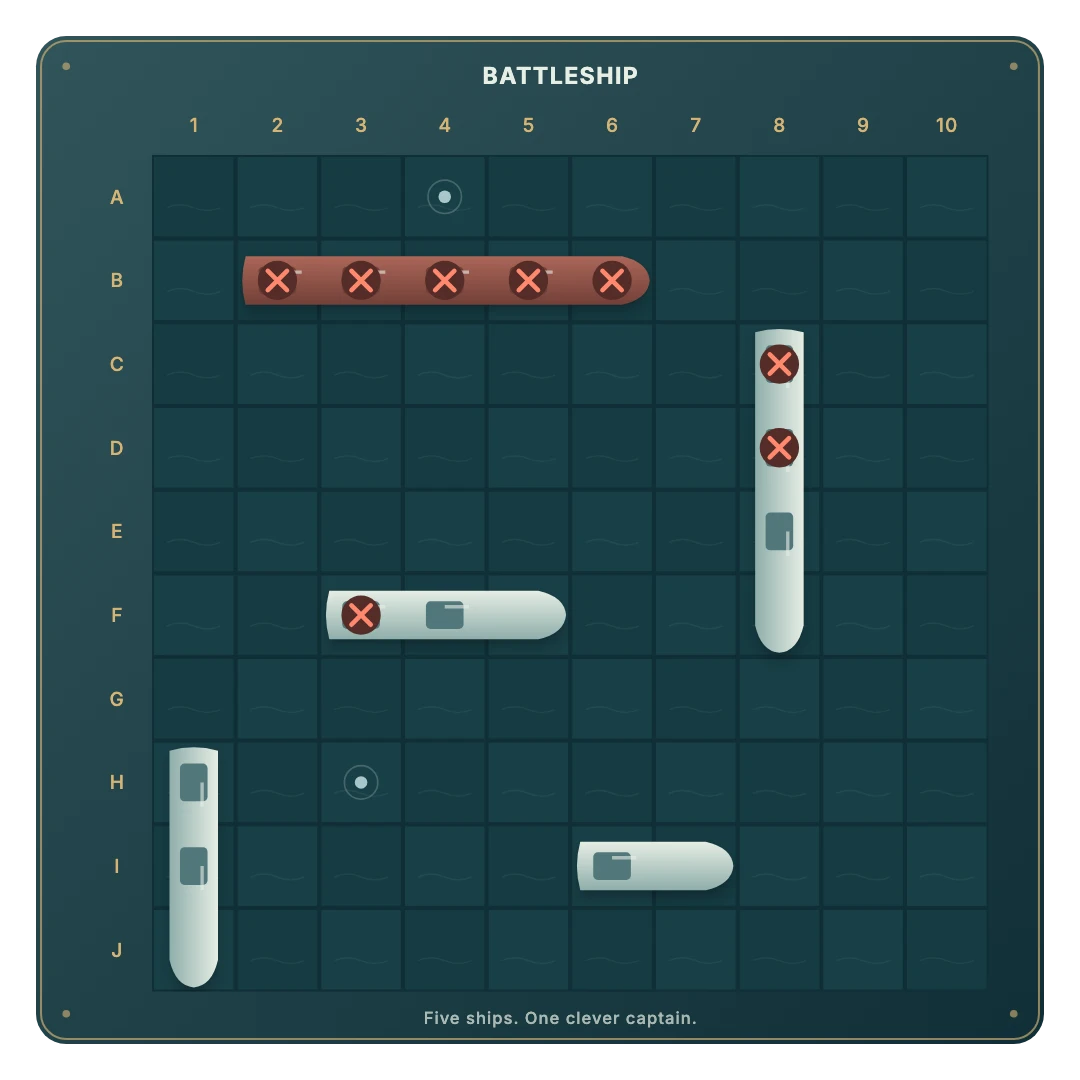
Arrange your ships and press Ready to start.
Move from random shots to focused deduction.
Your solo round stays separate from Same device.
Start a solo battle
- Open the computer game. The direct link restores your saved solo battle and difficulty, or starts with Medium.
- Choose your challenge. Press Vs computer in the menu and select Easy, Medium or Hard. Cancel leaves your current game unchanged.
- Arrange the fleet. Tap the empty Your fleet grid to place ships one by one. Drag ships to move them and use the orientation button to rotate. Auto-place is also available. Target and Your fleet stay visible together.
- Press Ready. You take the first shot. The computer responds automatically after a short pause.
Three approaches to searching
Easy chooses randomly from squares it has not tried. It is a relaxed way to learn the controls and finish a first battle.
Medium searches in a checkerboard pattern and investigates squares beside known hits. It starts following clues as soon as it finds a ship.
Hard counts possible positions of the remaining ships, rules out known misses and sunk cells, and gives extra weight to placements explaining hits. It uses only the information a human opponent would have.
Press Vs computer again to change the level during a round. Your fleet and shots stay in place.
Practise a deliberate search
Spread your early shots through the grid. Once you hit something, investigate neighboring squares instead of immediately moving to another corner. Two aligned hits suggest a direction, but touching ships can make the pattern less obvious.
Check which ships have already sunk. A two-square gap cannot contain a four-square Battleship, but it may still hold a Destroyer. The rules allow ships to touch; there is no automatic safe-water marking around sunk ships.
Keep your progress
The browser saves your solo fleet, shots and pending computer turn when storage is available. Reopening the computer mode resumes the battle. New round gives you an empty fleet to arrange while preserving difficulty.
Ready for a human rival? Try two players on one device or invite a friend online. The online overview helps you choose.
GOOD TO KNOW
Battleship Vs Computer FAQ
Does the computer know where my ships are?
No. Its decision function receives a redacted view containing shot results and sunk ships, without your hidden positions.
Which level should I start with?
Easy is a relaxed introduction. Medium follows hits, while Hard evaluates possible remaining ship positions.
Does changing difficulty restart the battle?
No. Choose a new level through Vs computer and keep the current fleet and shots.
Can I move ships during the battle?
No. Ready locks your fleet for the round. Start a new round to rearrange it.
See what your next shot reveals.
Hide your fleet and take on the computer.
Play Battleship Vs Computer