
YOUR KING. YOUR PLAN. YOUR PACE.
Shogi against the computer. Make room for a better move.
Learn how a captured piece becomes an opportunity. Play Sente against a browser opponent, with time to inspect the board and experiment with new ideas.
- You startPlay Sente, the first-moving side
- Three levelsEasy, Medium and Hard
- No room neededThe opponent runs in your browser
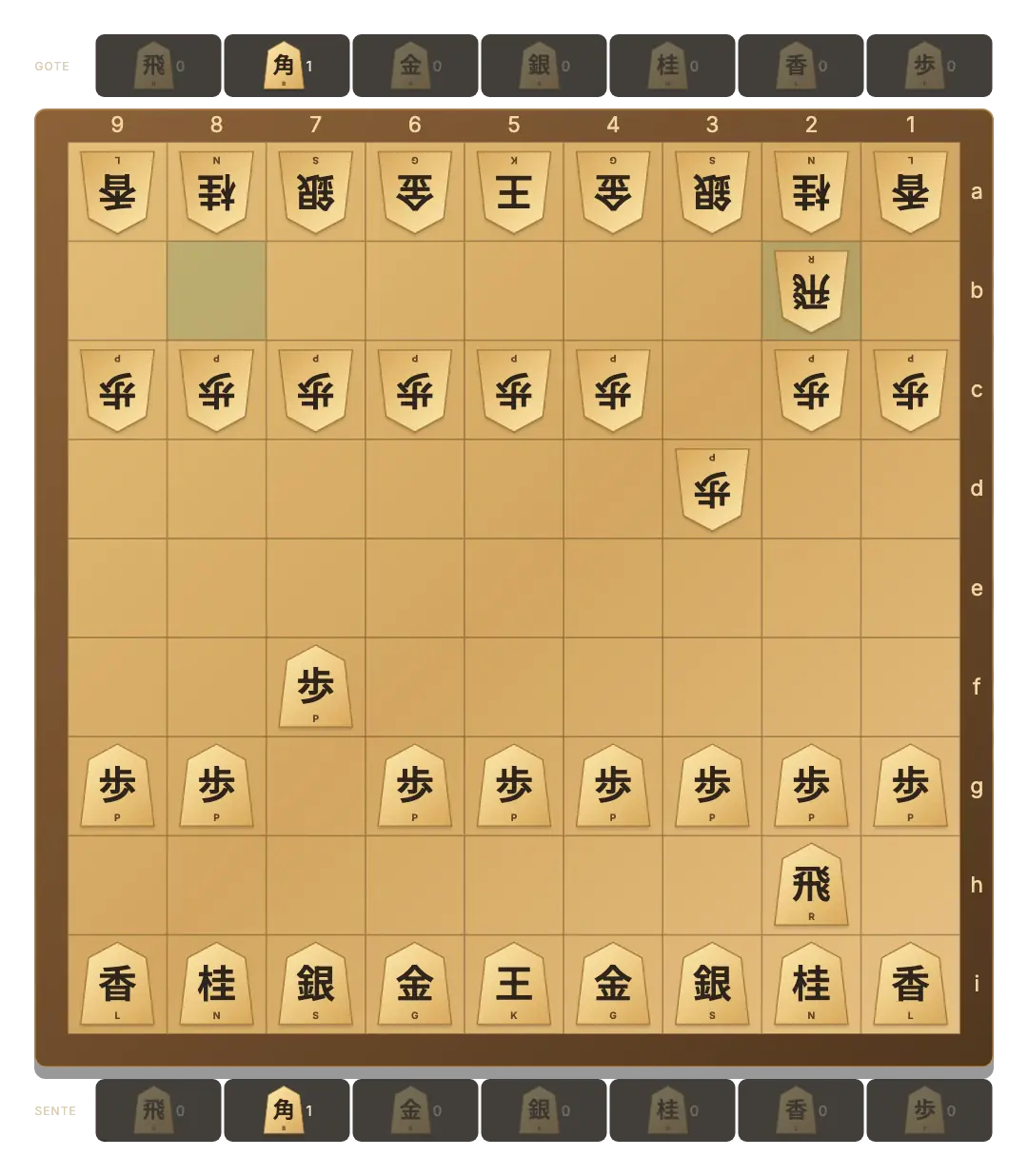
Easy often chooses a random legal move.
Medium and Hard use progressively deeper bounded searches.
Computer progress has its own browser save.
Begin a solo Shogi game
- Open the computer board. The main button starts or restores your computer game with the saved difficulty.
- Choose a level. Press Vs computer to open Easy, Medium and Hard. Medium is the default.
- Make the first move. You are Sente at the bottom. Select a piece and a legal destination.
- Wait for the reply. The Computer card becomes active while the opponent chooses its move.
Changing difficulty keeps the current board. Canceling the difficulty popup changes nothing.
What the three levels change
Easy mixes simple evaluation with frequent random choices. Medium searches up to two half-moves; Hard searches up to three, with a larger time and node budget. The opponent considers captures, promotions, hand material and piece activity.
The search is deliberately bounded so a browser can keep responding. Hard is a stronger practice setting, not a professional Shogi engine or a promise of perfect play. Every move still follows the same rules as a human move.
Three habits worth practising
- Look beyond the board. Check the opponent’s hand before leaving a square near your king undefended.
- Protect important squares. A gold near the king can guard several adjacent entry points.
- Compare promotion choices. A silver loses its backward diagonal steps when it becomes a gold. Promotion is often useful, but its changed movement matters.
Try to name the threat before answering it. Use the Shogi rules when a piece’s movement or a drop restriction is unclear.
Keep a practice game between visits
Your computer game saves separately from Same device play. Reopening this mode restores the position when browser storage is available. If it was the computer’s turn, the opponent resumes its reply.
New round starts another computer game at the selected level after confirmation if the current game is unfinished. For a human challenge, try a private invitation or a shared screen. The online overview compares those options.
GOOD TO KNOW
Shogi Vs Computer FAQ
Can I change difficulty during a game?
Yes. Select Vs computer and choose another level. The position stays in place; an unfinished computer search uses the new level.
Can I play the second-moving side?
In this version you always play Sente and the computer plays Gote.
Does the computer know my captured pieces?
Yes. Both hands and the whole board are public information in Shogi.
Does Hard always win?
No. It uses a limited search and can make mistakes. There is no engine-strength or rating claim.
Does my solo game need a server room?
No. The game logic and computer opponent run in the browser; this mode does not create a multiplayer room.
Try a thoughtful first move.
Advance a pawn, watch the reply, and make your next plan.
Play Shogi Vs Computer