
ONE PLAYER. PLENTY OF PRACTICE.
Air Hockey vs computer. Sharpen your reflexes.
Work on your saves, test a bank shot, or warm up before your friend arrives. The computer is ready on the other side of the table, with three levels to choose from.
- You play blueThe computer plays coral
- Three difficultiesEasy, Medium and Hard
- First to 7A full solo match
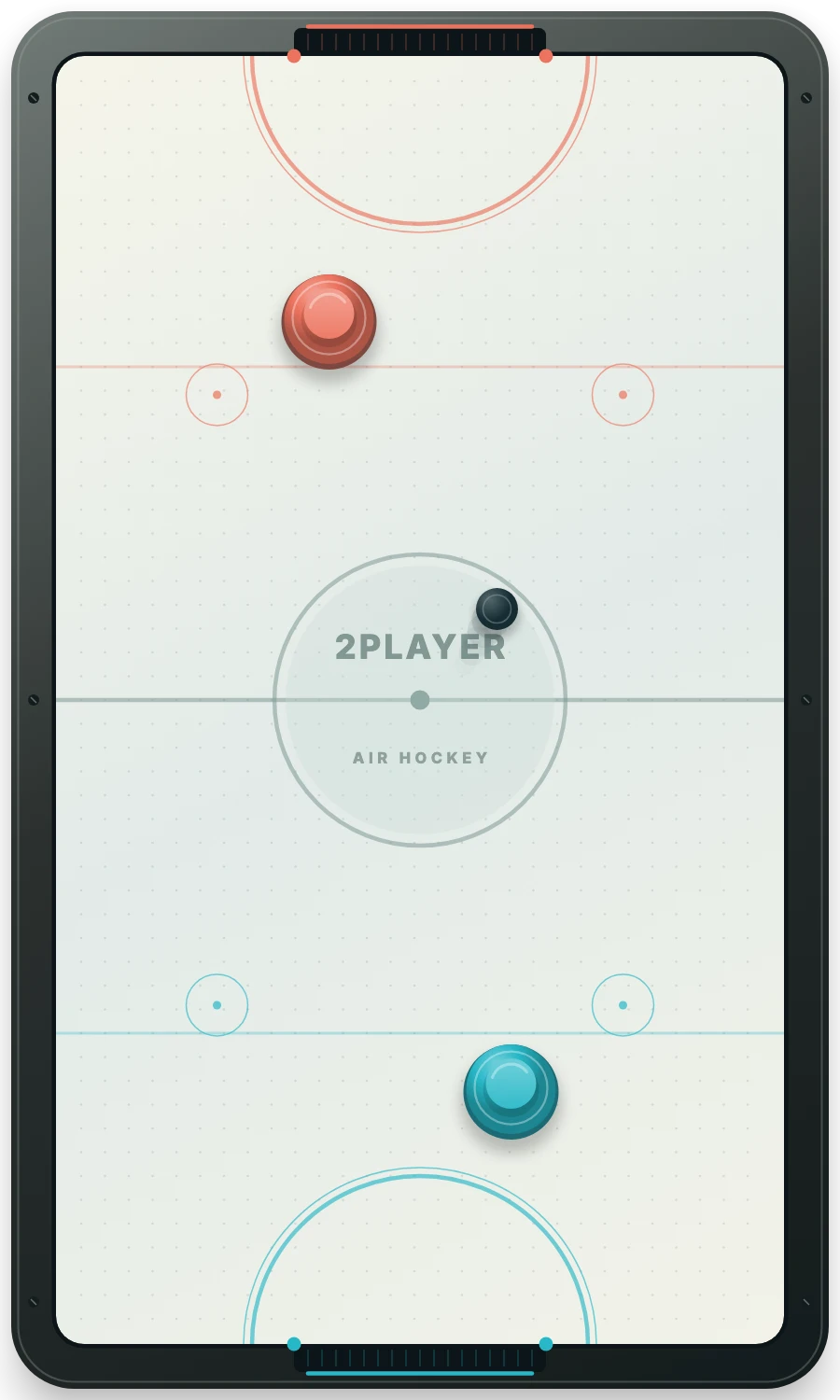
Slower movement and longer reactions give you more space to practise.
A quicker opponent tracks the puck and predicts incoming bank shots.
Faster movement and shorter reactions make saves and clean angles more important.
Start your first solo match
- Open Vs computer. The play button starts the solo mode or restores its saved match.
- Choose a difficulty. Medium is the default. Easy and Hard are available under the mode buttons.
- Press Let’s play. You control the blue mallet and receive the first puck.
- Take your shot. Drag on your half, or click the rink and use W A S D.
The computer moves the coral mallet automatically. You cannot move its mallet in this mode. A new match retains your mode and selected difficulty.
What the computer watches
The computer reacts to the puck’s position and movement. When a shot comes toward its goal, it moves into a defensive position. On Medium and Hard it also projects incoming paths off the side rails. When the puck is reachable on its half, it tries to get behind it and strike toward your goal.
Its mallet follows the same table boundaries and collision rules as yours. Difficulty changes its reaction interval and maximum movement speed; it does not change the size of either goal or award extra points. The opponent is a local game strategy, without an online connection to another player.
Build one skill at a time
Start with a save
Try staying near the goal for a few rallies. Watch which part of the opening the puck is approaching, then make a small adjustment instead of chasing it across the whole table.
Use the side rail
A bank shot changes direction once before reaching the goal. Try sending the puck to one side of the computer, then recover your own defensive position while it answers.
Move up when you are ready
Begin on Easy if you need time to learn the controls. Medium offers a faster rally. Hard reduces the time you have to recover after a missed strike. You can change difficulty during a match without clearing the score.
Keep the practice going
Solo progress is saved separately from the shared-device match in this browser when storage is available. Pause, leave the tab or refresh; the restored match waits for Let’s play. New round resets both scores and gives you the first puck again.
Once you are ready for a human opponent, try Air Hockey for 2 players on one screen or create a private friend invitation. The browser game overview compares all three modes.
GOOD TO KNOW
Air Hockey Vs Computer FAQ
Can I play Air Hockey alone?
Yes. Vs computer gives you an automatic opponent and a full match to 7 goals.
Which mallet do I control?
You control the blue mallet with a drag or W A S D after focusing the rink. The computer controls the coral mallet.
What changes between difficulty levels?
Easy reacts and moves more slowly. Medium and Hard predict incoming paths, and Hard has the shortest reaction interval and fastest computer movement.
Does changing difficulty restart the score?
No. You can change difficulty during the match. New round is the command that resets the score.
Does the computer need a private room?
No. Solo play runs locally in the browser and does not create an online room.
Make the next save yours.
Choose a level and get comfortable at the table.
Play Air Hockey vs Computer