
THE ARCADE TABLE, IN YOUR BROWSER.
Play Air Hockey online. Find your angle.
The puck is quick. The next game is easy to start. Open a free Air Hockey table, choose who to play, and turn a spare moment into a race to seven goals.
- No installationOpen in your browser
- Three ways to playLocal, friend or computer
- A quick challengeFirst to 7 goals
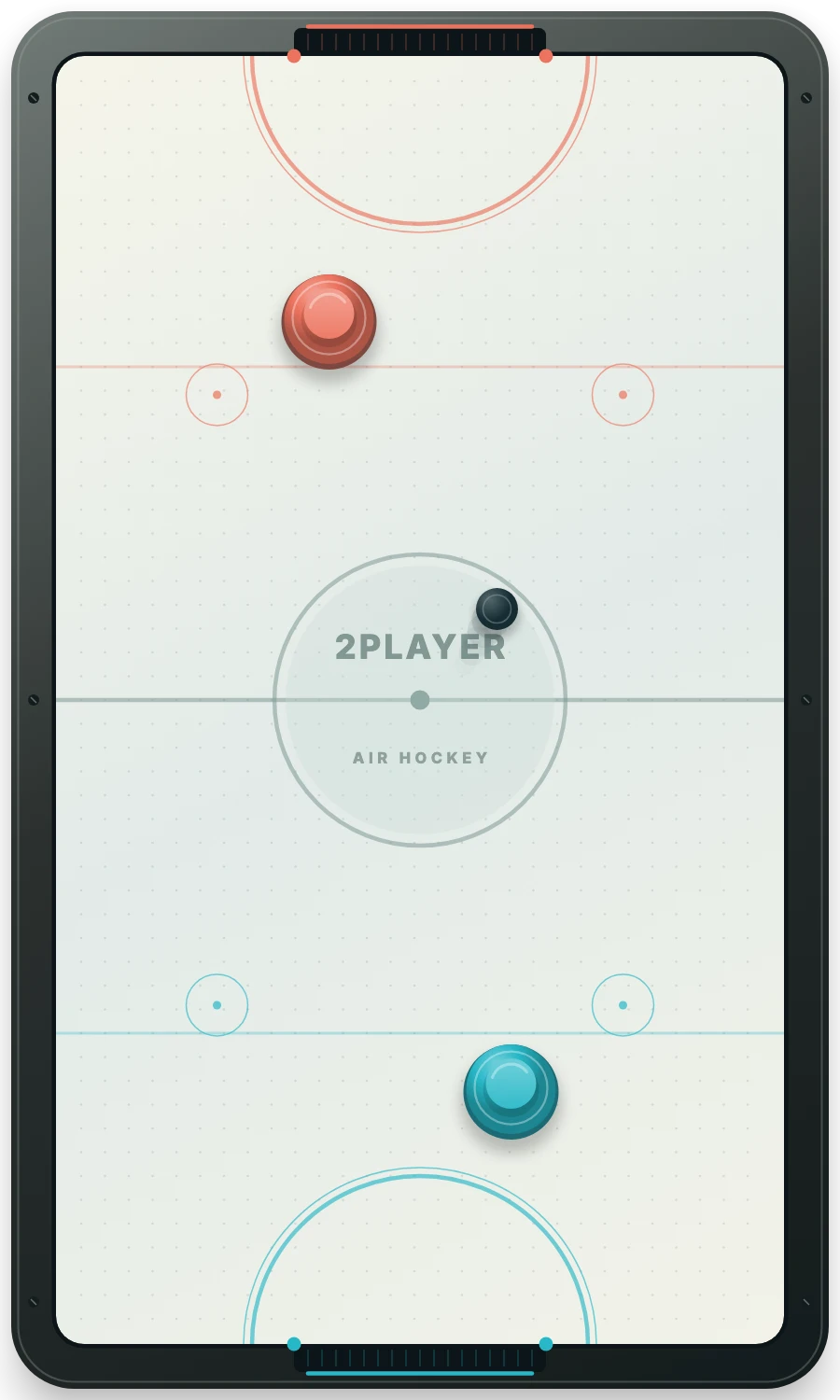
Play side by side with multi-touch controls or a shared keyboard.
Create a private link for a specific opponent on another device.
Warm up on your own with three difficulty levels.
Open the table and choose your game
- Press Play Air Hockey Online. The table opens in Same device mode.
- Choose your opponent. Keep the shared screen, select Vs computer, or use Play with a friend for a private invitation.
- Get ready. Local games start with Let’s play. In a private room both players press Ready to play.
- Protect your end. Strike the puck into the opposite goal and reach 7 first.
The game downloads when you open the table. You do not need an account or a separate app. Online here means browser play; there is no random-opponent queue.
Fast controls for a fast puck
Drag on your half of the rink with a finger, mouse or trackpad. Your mallet moves toward that position, stays within its half and strikes the puck when it makes contact. You do not need to select a shot strength or wait for a turn.
For two players sharing a computer, click the rink and use W A S D for Player 1 and arrow keys for Player 2. In a private online room, use the arrow keys for your own mallet. A multi-touch screen supports two simultaneous drags.
The rink turns sideways when the window is wide enough. Keyboard directions follow the screen. In a private room your own mallet appears at the near end.
Pick the right way to play
Air Hockey 2 Player is the shared-screen guide. It is useful when both people are in the same place and can use one keyboard or touch screen.
Air Hockey with a friend explains private invitations. Both people need a live connection. The match pauses if a player disconnects, and both must be ready before it resumes.
Air Hockey vs Computer starts a solo match. You use the blue mallet and the computer uses the coral one. Difficulty changes its reaction time and movement speed.
Come back to your table
Local and computer matches have separate saves in this browser when storage is available. Refreshing restores the most recent save and leaves the match paused. Clearing site data removes those saves.
For a private room, return using the same invitation and browser to recover your seat. Score changes are saved before they are shown as confirmed goals; the moving puck is also checkpointed periodically. A server restart can return a rally to its latest checkpoint. Inactive rooms expire after seven days.
Use the in-game How to play menu or read the rules and scoring guide whenever you need a reminder.
GOOD TO KNOW
Air Hockey Online FAQ
Is Air Hockey free to play online?
Yes. All three modes are free and do not require an account.
Does this find a random opponent?
No. Play with a friend creates a private invitation for someone you choose. You can also share a device or play the computer.
Do I need to download an app?
No separate app is needed. The game loads in your browser when you open the table.
Can I use a phone or tablet?
Yes. Drag your mallet on the touch screen. Shared-device play needs a screen that supports simultaneous touches.
What happens when a player loses connection?
A private match pauses. When both players are connected again, both press Ready to play before the puck resumes.