
YOU ARE X. THE COMPUTER IS O.
Tic Tac Toe vs computer. Think beyond this square.
Practise spotting the next winning line on a wooden 3×3, 5×5 or 7×7 board. You make the first move, and the computer answers with its own O.
- You always startPlay the ivory X
- Automatic repliesThe computer plays O
- Win or hold a drawEvery line matters
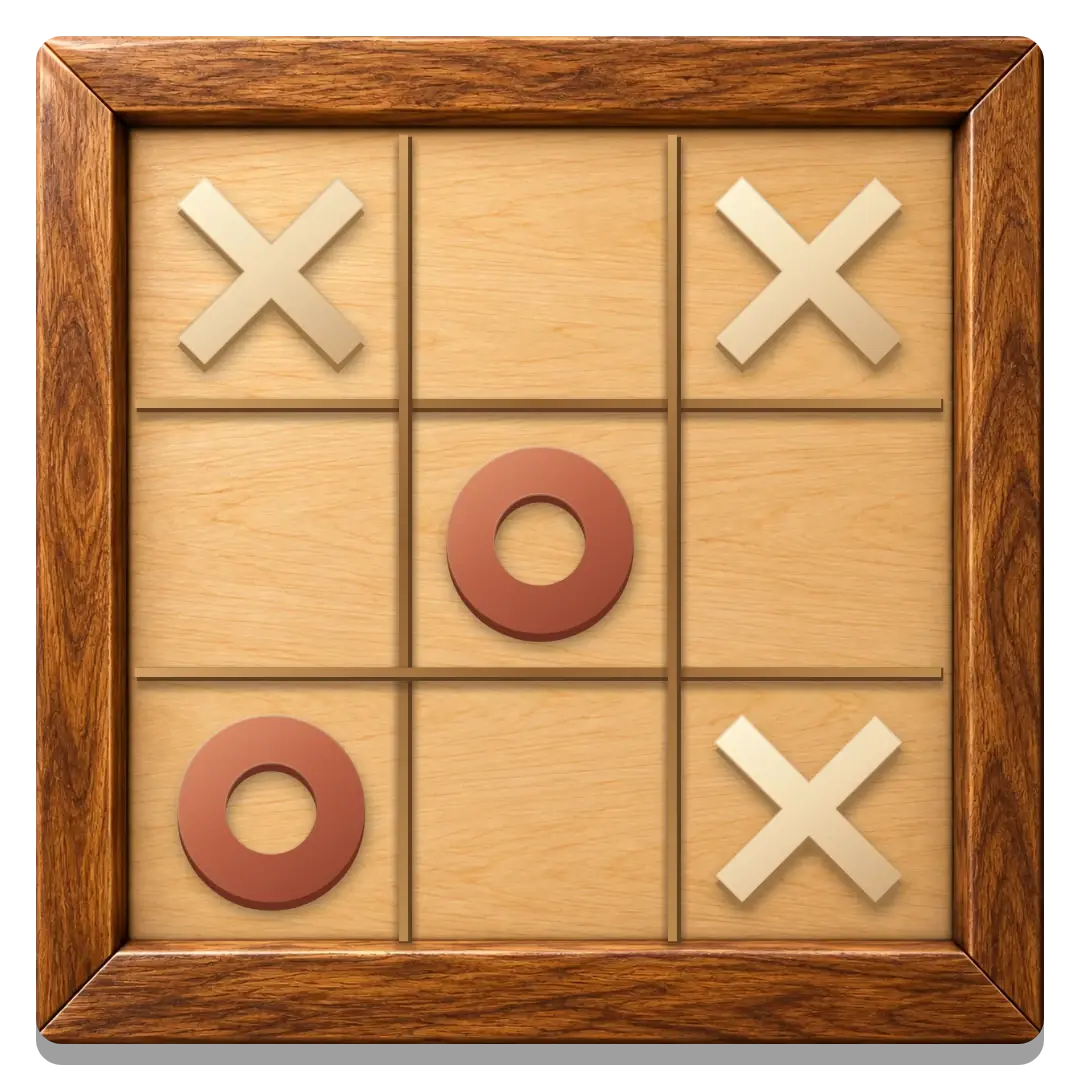
9, 25 or 49 squares with wins across rows, columns and diagonals.
The computer looks ahead for winning or drawing continuations.
Start a round in your browser whenever you want to work on a position.
How to play Tic Tac Toe against the computer
- Open computer mode. Play Against the Computer starts Vs computer directly.
- Place your first X. Choose any empty square with a tap, click or keyboard action.
- Wait for O. The computer places its piece automatically, then it is your turn again.
- Complete or defend a line. Watch the rows, columns and both diagonals after every reply.
A saved computer board can resume in the same browser. Choose New round for a fresh position; you remain X and make the first move again.
Choose 9, 25 or 49 squares
Use the size selector above the board. Classic 3×3 needs three in a row, 5×5 needs four, and 7×7 needs five. All sizes support each playing mode. New rounds keep the current size. Once a friend has joined an online table, both players must agree to a size change; making a move cancels a pending request.
What to expect from the computer
On the classic 3×3 board, Medium and Hard find a winning or drawing continuation. It does not need a long board or a complicated set of rules to make a careless move costly: an unblocked pair can finish the round.
With accurate play from both sides, classic Tic Tac Toe ends in a draw. Treat a draw as a useful result, especially while learning to defend forks. The aim of practice is to recognise a position earlier, rather than rely on the other side missing a threat.
Choose Easy, Medium or Hard. Easy is more forgiving. On the larger boards, Medium blocks immediate threats and Hard plans further ahead; both can be beaten. The same Tic Tac Toe rules apply to every round and every playing mode.
Three patterns to practise
Take a win that is already available
Before blocking or building another idea, check whether one empty square completes your own line. A winning move ends the round immediately.
Block the next opposing line
If O has two pieces on a line with an empty third square, that square matters now. Check the diagonals as well as straight rows and columns; a gap between pieces is still a threat.
Recognise a fork
A fork creates two different ways to win on the following turn. The centre and corners often take part in these patterns. Look at how a move changes more than one line, and review the position after a draw or loss.
Try the same ideas against a friend
When you want a different kind of challenge, Tic Tac Toe 2 Player lets two people take turns on one device. A human opponent also gives you a chance to talk through a fork or a missed block.
Use Tic Tac Toe with a friend for a private online invitation, or return to the Tic Tac Toe online overview to compare modes. Computer and shared-device progress use separate browser saves when storage is available.
GOOD TO KNOW
Tic Tac Toe Vs Computer FAQ
Can I play Tic Tac Toe against the computer for free?
Yes. Open computer mode from this page without an account, download or invitation.
Do I play X or O?
You play X and start every computer round. The computer controls O and responds automatically.
Is a draw a good result against the computer?
Yes. Classic Tic Tac Toe is drawn when both sides play accurately. A draw can show that you spotted threats and avoided losing lines.
Can I change the computer difficulty?
Yes. Click Vs computer and choose Easy, Medium or Hard in the popup. Changing the level keeps your current board.
Will my computer game resume after a refresh?
It can resume from the same browser when storage is available. Keep its site data; computer and shared-device boards save separately.
Find the move that keeps the board safe.
Play X, read the reply and make every square count.
Play Against the Computer