
YOUR RED PAWNS. A BLUE RIVAL.
Ludo against the computer. Make each roll count.
A six gives you options. Bring out another pawn, advance a runner or head for a safe star. Try your choices against a computer opponent at your own pace.
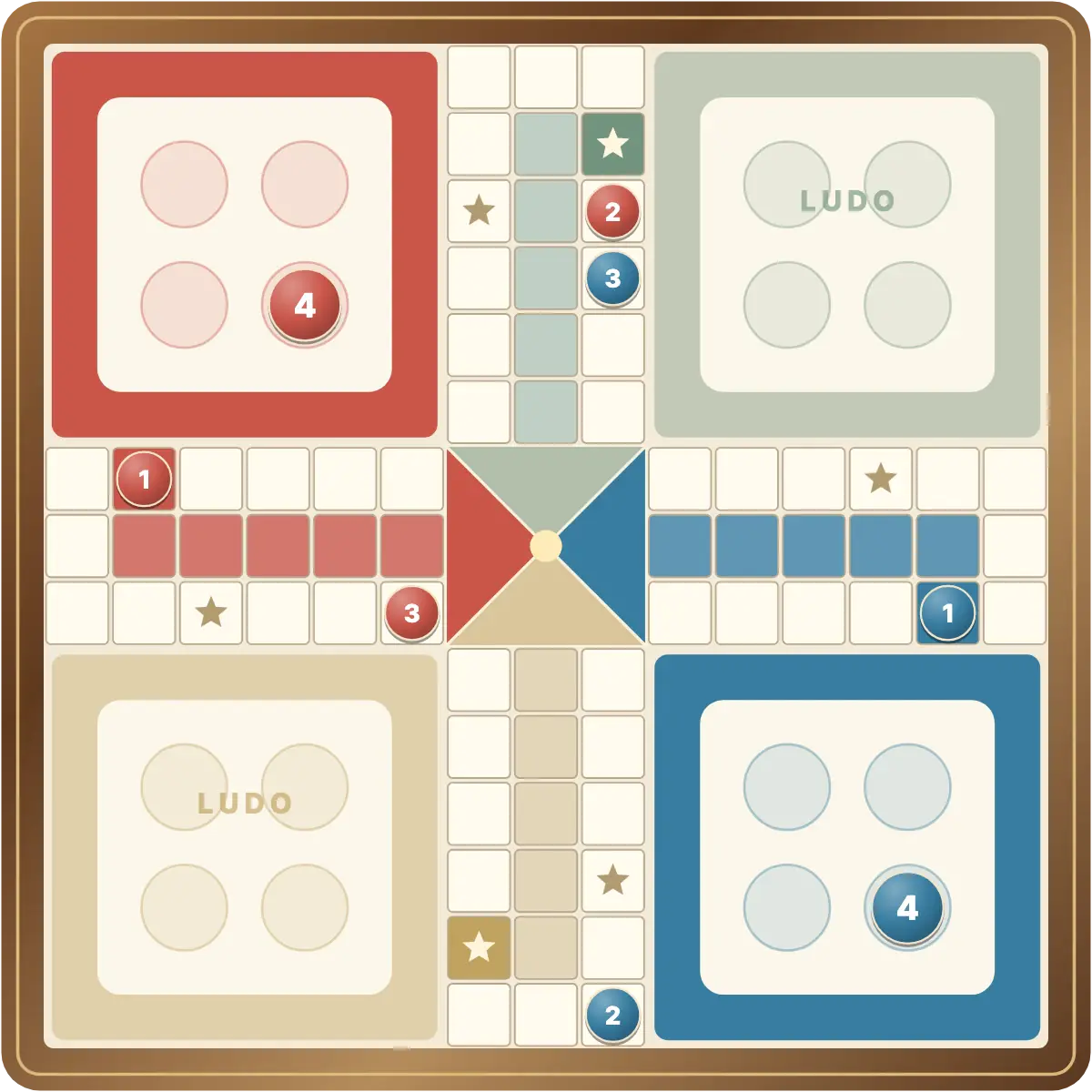
- You play RedThe computer plays Blue
- 3 levelsEasy, Medium and Hard
- The same diceDifficulty changes choices
Random legal pawn choices.
Favours finishing, captures and safe squares.
Also weighs exposure to possible captures.
Start your solo race
- Open the board. This page starts computer mode and restores its saved round.
- Choose a level. Press Vs computer in the menu to open Easy, Medium and Hard. Medium is the default.
- Roll as Red. Bring a pawn out on a six, then choose between your legal moves.
- Watch Blue. The computer rolls and moves automatically. Its actions are locked while it plays.
Change the decisions, keep the dice
Easy chooses a random legal pawn. Medium gives priority to finishing a pawn, making a capture and reaching safety. Hard also considers which opponent rolls could capture an exposed pawn and values escaping danger.
Every level uses the same random die. The computer sees the board, not future rolls, and no level guarantees a win. Change difficulty through Vs computer; choosing a level preserves your current board. Cancel leaves the mode and setting untouched.
Do you advance or bring another pawn out?
Moving your furthest pawn may get it home sooner, but another runner gives you more legal moves. A safe star protects a pawn from capture. Before leaving one, look at nearby blue pawns and count how far away they are.
Near the centre, an exact roll is required. Keep other pawns moving while you wait for the finishing number. Captures and home finishes do not grant extra rolls in this version; only a six does. Read the complete rules.
Come back to your own board
Your computer round is stored separately from Same device mode when browser storage is available. Refreshing restores the board, a pending die and the saved difficulty. If the computer was about to act, it resumes when you return.
New round replaces the current solo race after confirmation. To play a person, choose two players on one device or invite a friend. The browser guide explains the three modes.
GOOD TO KNOW
Ludo Vs Computer FAQ
Does Hard roll more sixes?
No. Difficulty affects only which legal pawn the computer chooses. All levels use the same random die.
Can I change difficulty during a game?
Yes. Press Vs computer and choose a level. The current round is preserved.
Do I need a room to play alone?
No. Computer mode runs locally without an online room.
Who starts the next round?
You play Red and start each new computer round.
Try a different move on the next six.
Start a solo race and find your balance between progress and safety.
Play Ludo Vs Computer