
OPEN A BOARD. MAKE YOUR NEXT MOVE.
Play Ludo online. A familiar race, wherever you are.
Four pawns, one die and a path back home. Play a quick-start browser round together, invite someone far away, or practise your pawn choices against the computer.
- In your browserNo installation
- 3 ways to playLocal, friend or computer
- 8 safe starsPlan your next stop
Two players on one device.
A friend joins from their own browser.
Three computer difficulty levels.
Open Ludo and choose how to play
Play Ludo Online opens Same device mode. Use the common menu to choose Play with a friend for a private invitation, or Vs computer for an Easy, Medium or Hard opponent.
A room link goes directly to that room. A computer link restores the separate solo save. You do not need an account, and the game downloads only when you open the board.
Roll, then choose your pawn
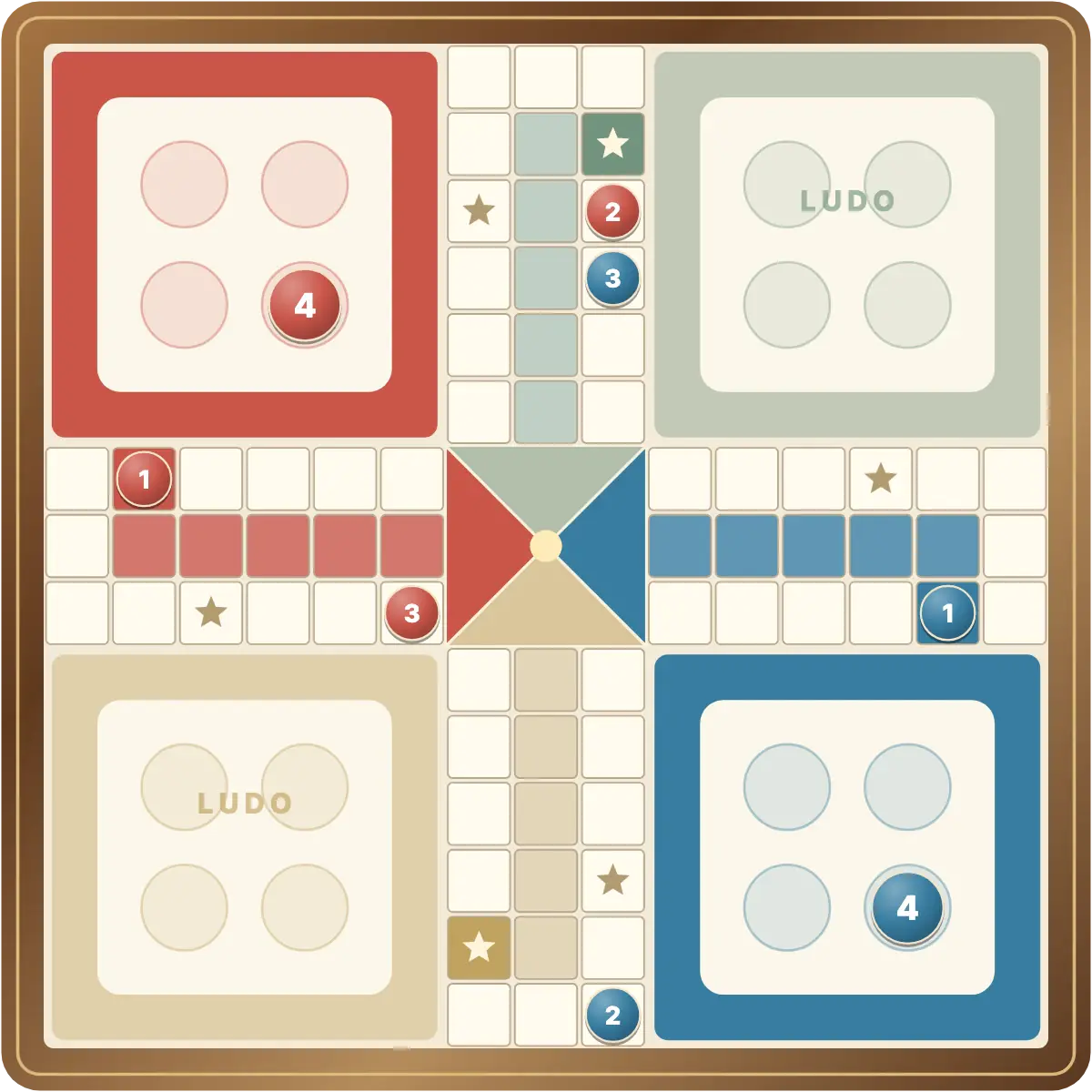
Press Roll dice and choose a highlighted pawn. The four numbered buttons match the numbers on your pieces, which helps when several pawns share a square. Touch, mouse and Tab with Enter/Space are supported. The highlighted player card above the board indicates the active colour.
Red and Blue play from opposite corners. The board fits the available window, with the player cards and die above it.
Your friend, your invitation
Play with a friend creates a private table. Copy the invitation and send it to your opponent. The host is Red; the guest is Blue. Both must be connected to roll or move. The server supplies the dice and checks every action before saving and sharing the result.
Return using the same browser and link to recover your seat. There is no random matchmaking, public lobby or rating. Read the invitation guide for all the steps.
Keep your place in the race
Local and computer games save separately on your device. Online rooms keep the authoritative state on the server. A refresh preserves a die already rolled, so a pending pawn choice can be completed after returning.
See the rules for sixes, captures and safe stars, the same-device guide or the computer guide. Online, both players must agree to a new round after the guest joins.
GOOD TO KNOW
Ludo Online FAQ
Is Ludo free to play?
Yes. Open the game in a compatible browser without an account.
Does online mean a random opponent?
No. Online multiplayer uses a private invitation for someone you choose. The computer is available for solo play.
Can I choose my die result?
No. Local and computer modes use random rolls; online rolls are supplied by the server.
Can I return after disconnecting?
Use the same invitation and browser to restore your seat. Play pauses while either player is disconnected.