
A PRIVATE BOARD. A FAMILIAR OPPONENT.
Play Gomoku
with a friend.
One black stone, one white reply. Bring a friend to the other side of a wooden board and find out whose plan reaches five first.
- A private invitationYour chosen opponent
- Black startsWhite replies
- No accountOpen and play
Send a link to the person you want to play.
Build an unbroken line in any straight direction.
Return with the same browser and invitation.
Start a private Gomoku game by link
- Create your board. Press Invite a friend to open a private room.
- Copy the invitation. Use Share invitation or Play with a friend in the game. Send the link to your opponent.
- Join from a second browser. The creator has Black; the first guest takes White. Opening your own link in the same browser restores your seat.
- Keep both players connected. Black places the first stone and White responds.
There is no random matchmaking. To play side by side, choose Gomoku 2 Player. For practice on your own, try Vs Computer. The online overview explains all three modes.
Gomoku rules: five stones in a straight line
The wooden board has 15 horizontal and 15 vertical lines, making 225 intersections. Two players alternate placing one stone at a time, with Black taking the first turn.
- Use an empty intersection. Place a stone where two lines cross, rather than inside a square. Existing stones stay where they are: there is no movement, replacement or capture.
- Connect five or more. An uninterrupted horizontal, vertical or diagonal line of your stones wins immediately. Either diagonal direction counts. Gaps and bends break the line.
- Play freestyle. Longer lines also win. There are no forbidden moves, opening restrictions or color swaps, and Black can begin anywhere.
- A full board can be a draw. If all 225 intersections are occupied without a winning line, the round ends in a draw.
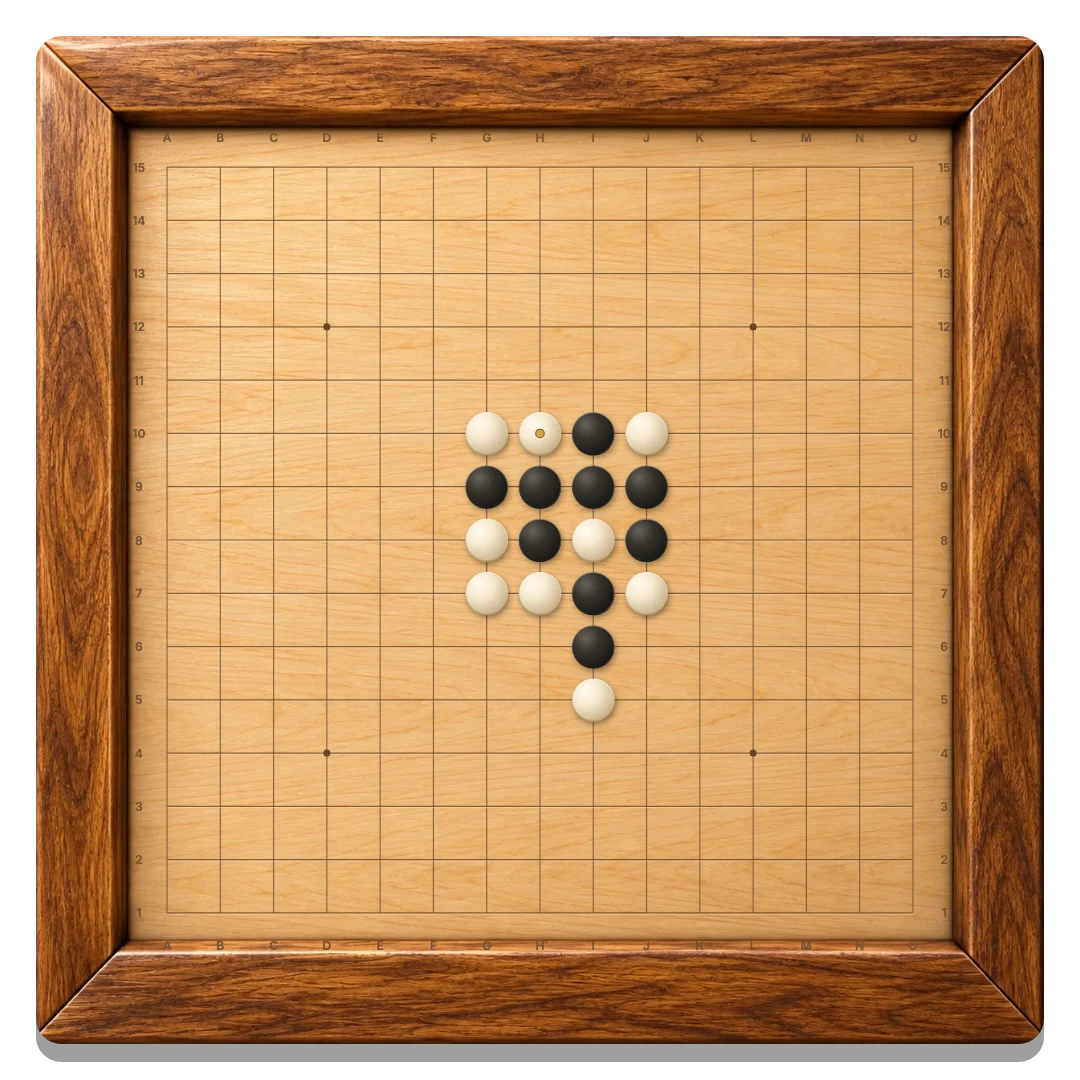
The winning stones light up and the board stops accepting moves. A small gold dot marks the most recently placed stone.
Click or tap an intersection. On a phone, pinch to enlarge the board and drag to explore it. With a keyboard, focus the board, use the arrow keys to select a point and press Enter or Space to place your stone. Home selects the center.
Watch what one more stone would change
Before making a move, look for a point where either player could complete five. A gap inside a line matters as much as an empty end. Check diagonals as well as horizontal and vertical runs.
Build lines with space at both ends. A group near the middle of the board can develop in several directions. When one stone helps two different lines, your friend may need to decide which idea to interrupt.
Do not wait until your opponent has four stones open at both ends. That position offers two ways to complete five, and you can block only one point on your turn. Look for the shape while it is still developing.
Return to your board and agree on a rematch
Confirmed moves are saved to your room. If a connection drops, the game reconnects and restores the confirmed position. Both players must be connected before play continues.
Use the same browser and invitation to keep your seat. Opening it in another tab replaces the earlier connection. Clearing site data removes your saved seat, and rooms expire after seven days of inactivity.
After a friend joins, New round needs agreement from both players. A move cancels a pending request. Before anyone joins, the host can reset the empty room alone. Colors stay the same for each rematch, and Black starts again.
Before you place the first stone
Can I choose who I play with?
Yes. Send your private invitation to your chosen friend. The first guest to open the link takes the second seat.
Who starts the game?
The room creator plays Black and moves first. The guest plays White. These colors remain the same in a new round.
Can my friend play on a different device?
Yes. A phone, tablet or computer can join the same private board. Both browsers need to stay connected.
Is an overline a win?
Yes. This is freestyle Gomoku, where a straight line of five or more stones wins. Exactly-five tournament rules and Renju restrictions are not used.
Do stones go in the squares?
No. Put them on the intersections of the grid lines. Tap close to the point you want, and zoom in if you need more space.
Can one player restart our round?
Once the guest has joined, both players must agree. The current board remains until the second player accepts or a new move cancels the request.
Make a little room for your next rivalry.
Invite a friend and place the first stone.
Invite a friend to Gomoku ↗