
YOUR GENERAL. YOUR PACE.
Xiangqi against the computer. Find your next idea.
Practise Chinese chess on your own. Test a cannon attack, untangle a blocked horse, and see how a soldier changes after crossing the river.
- 9 × 10Play on the intersections
- Red startsSixteen pieces per side
- Free to playNo account required
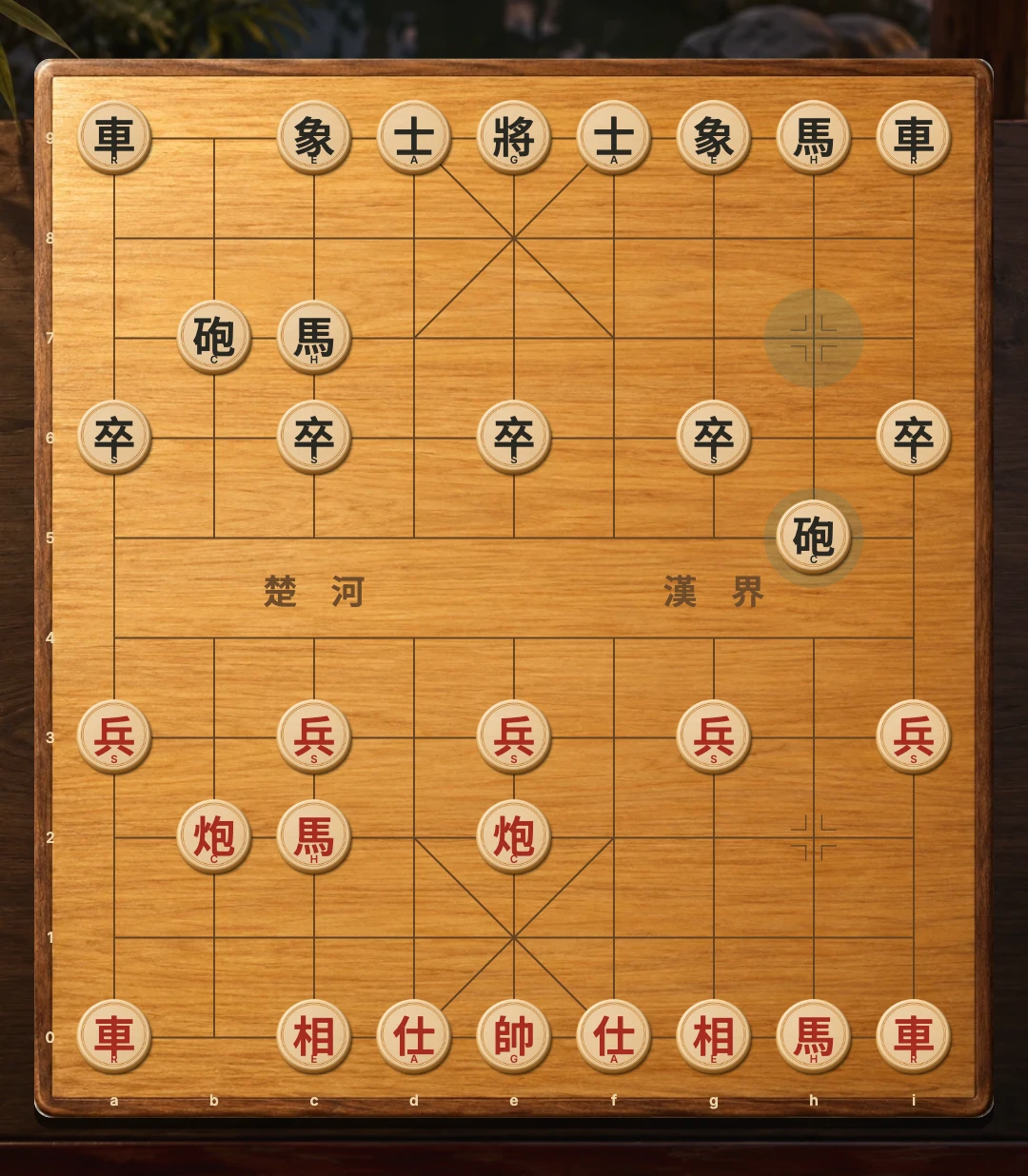
Chinese characters have small Latin labels; focus or hover to read the piece name.
Select a piece to highlight safe destinations.
Local and computer games have separate browser saves.
Start your practice game
Play opens computer mode using your saved difficulty, or Medium if you have not chosen one. You are Red and move first. Select a piece and its highlighted destination; the computer replies as Black.
Choose the challenge
Press Vs computer to open Easy, Medium and Hard. Easy often chooses a random legal move. Medium searches up to two half-moves; Hard searches up to three with a larger budget. Both consider material and piece activity. The bounded browser opponent can make mistakes.
Changing difficulty keeps your current position. Cancel leaves the mode and level unchanged. You cannot move the computer’s pieces while it thinks.
Practise three Xiangqi habits
Develop the horses without blocking their first steps. Keep a useful screen in front of your cannons. Before moving a piece from the central file, check whether the two generals would face each other.
Read the piece rules, then try the ideas against a friend by invitation or in a shared-screen game.
Pause and return
Your computer game saves in this browser separately from the local board. Reopening computer mode restores the position and completes a pending computer turn. New round keeps your selected level. See the online overview for every mode.
GOOD TO KNOW
Xiangqi Vs Computer FAQ
Which side do I play?
You are Red, make the first move and see your army at the bottom by default.
Is Hard an expert Xiangqi engine?
No. It is a small browser opponent with a bounded search, designed for casual practice.
Does changing the level restart the board?
No. The saved position stays in place and the next computer move uses the selected level.
Do I need a room or another player?
No. Computer mode calculates moves locally and does not create an online room.