
A PRIVATE BOARD. A FRIEND ON THE OTHER SIDE.
Play Reversi
with a friend.
A quiet green board can change in a single move. Send your friend a link, choose your next square and turn the discs your way.
- Your private invitationChoose your opponent
- Black startsWhite replies
- No accountOpen and play
Send a link to the friend you want to play.
Finish with more discs of your color.
Return with the same browser and invitation.
Start a private Reversi game by link
- Create the board. Press Invite a friend to open a new private room.
- Copy your invitation. Use Share invitation or Play with a friend in the game, then send the link to your opponent.
- Join from another browser. The creator plays Black. The first guest gets White. Your own link restores your seat in the same browser.
- Stay connected. Once both players are present, Black makes the first placement.
There is no random matchmaking. If you are sitting together, choose Reversi for two on one device. For solo practice, try the computer opponent. The online overview explains all three modes.
Reversi rules: surround a line and flip it
The 8 × 8 board begins with four discs in the center: White on D4 and E5, Black on E4 and D5. Black starts. On this board, the numbered rows run from top to bottom.
- A placement must capture. Put a disc in an empty square so that at least one uninterrupted line of opposing discs lies between your new disc and an existing disc of your color.
- Look in all eight directions. Horizontal, vertical and diagonal lines count. Every line trapped by the placement flips. You cannot skip a gap or one of your own discs, and newly flipped discs do not cause further chain captures.
- No legal move means a forced pass. The game passes automatically and explains which color had no placement. You cannot pass while a legal move exists.
- Count when both sides are blocked. The round ends when neither color can place a disc, even if some squares remain empty. More discs wins; an equal count is a draw. Empty squares are not awarded as extra points.
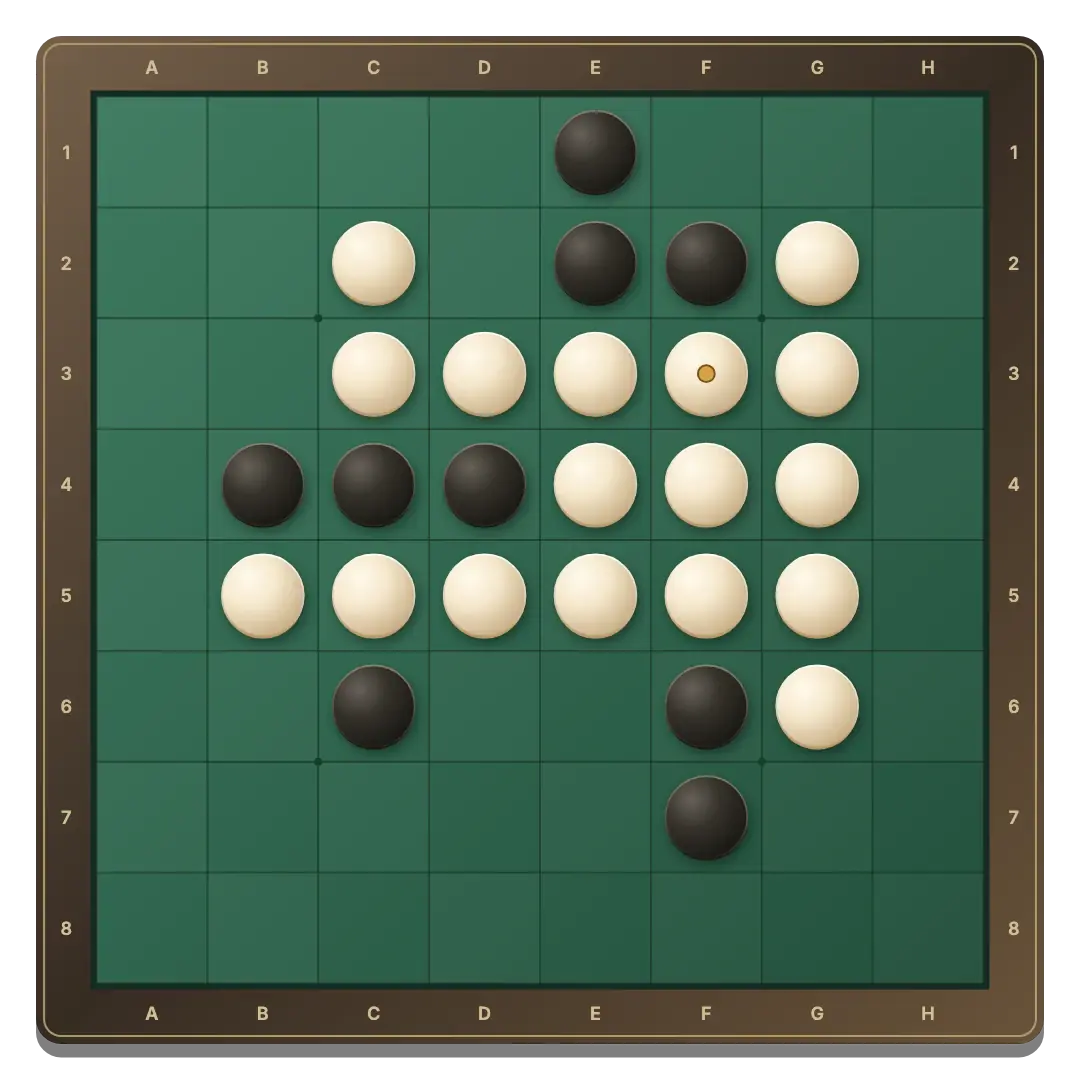
Click or tap a highlighted square. The small rings show legal placements, the highlighted profile identifies the active player and a gold dot marks the newest disc. With a keyboard, Tab to the board, use arrow keys and Enter or Space. Home selects an available move.
Keep an eye on corners and future choices
A corner disc cannot be flipped. Before moving next to an empty corner, check whether your friend could take it on the next turn.
The largest immediate capture is not always the best move. Look at how many legal replies your placement creates. A smaller capture can keep the position compact and leave fewer useful options.
Current counts help you follow the game, but they do not decide the result until the end. One placement can flip several lines, so a lead can disappear quickly.
Reconnect to your board and agree on another round
The room saves a legal move before confirming it to both players. If your connection drops, the client reconnects and restores the confirmed board. Play waits until both players are connected.
Use the invitation in the same browser to recover your seat. Another tab with your saved seat replaces the earlier connection. Clearing browser site data removes your seat credentials. Rooms expire after seven days of inactivity.
Once the guest has joined, New round needs agreement from both players. The existing board remains until the second player agrees; making a move cancels a pending request. Before a guest joins, the host can reset alone. Colors stay the same and Black starts each new round.
Before the first flip
Can I invite a specific friend?
Yes. Send your private room link to that person. The first guest to open it takes the second seat.
Who plays Black?
The room creator plays Black and starts. The guest plays White. Colors remain the same for a rematch.
Why did one player move twice?
The other color had no legal placement, so the game passed that turn automatically. This can happen more than once.
Why did the round end with an empty square?
A full board is not required. The game ends when neither player has a legal move.
Can one person restart the online board?
After the guest joins, both players must agree to a new round. A single request keeps the current board intact.
Can we use a phone and a computer?
Yes. Both browsers can join the same room and see the same position. Keep both devices connected while playing.
Your next friendly rivalry starts with four discs.
Invite a friend and see where the first move leads.
Invite a friend to Reversi ↗