
YOUR STONES. YOUR NEXT DISCOVERY.
Go vs computer. Give an idea a little room.
Take Black, choose a board and explore what one stone can change. Try a capture, rescue a group or leave space for two eyes.
- You play BlackMake the first move
- Three levelsEasy, Medium and Hard
- Saved practiceReturn in this browser
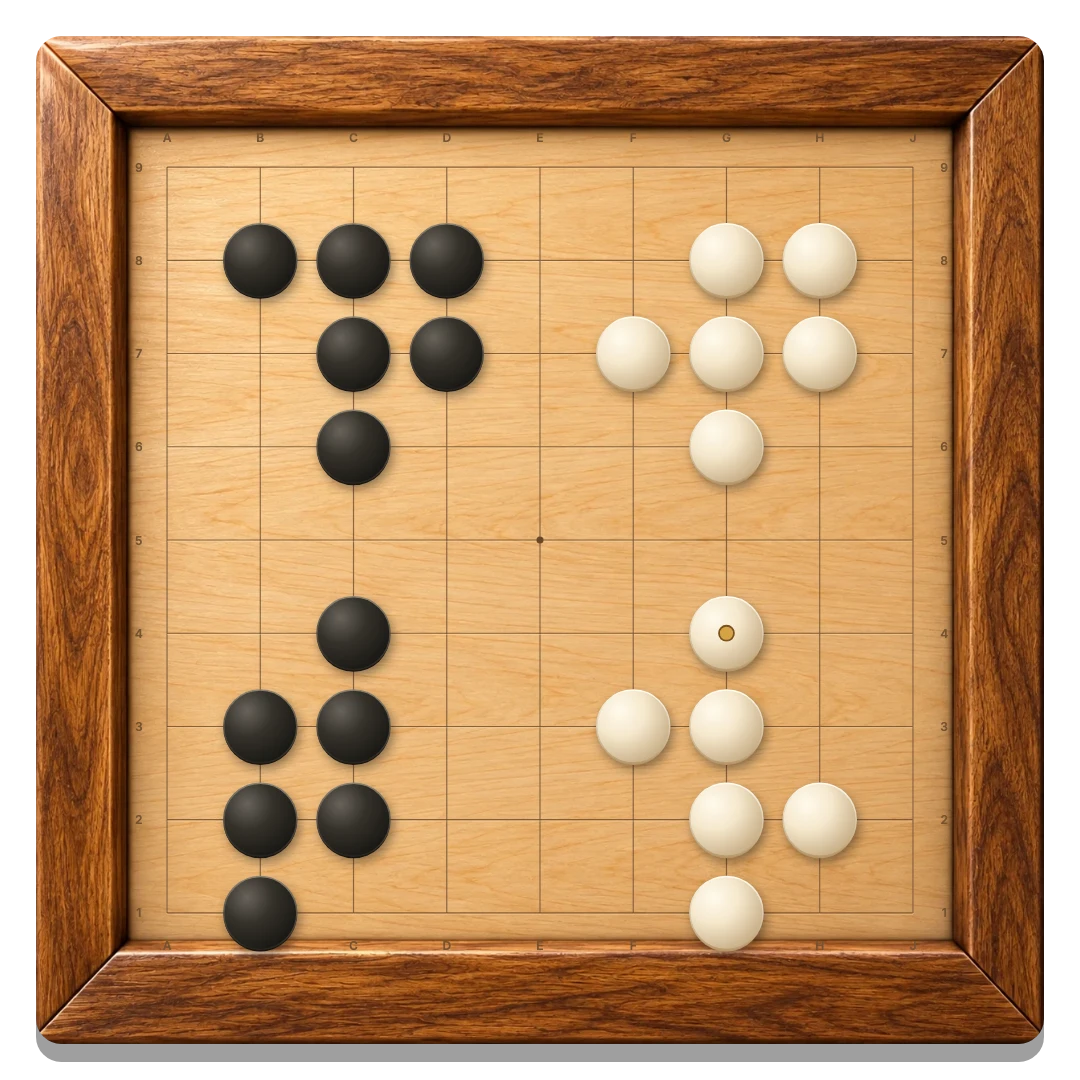
Easy adds variety among promising moves.
Medium considers captures, escapes and replies.
Hard considers a wider set with a larger time budget.
Set up a quiet practice round
- Open the computer board. Your saved solo game and difficulty return. A first visit starts on Medium.
- Choose a level. Press Vs computer to open the shared difficulty popup. Select Easy, Medium or Hard; Cancel keeps the current mode and board.
- Pick your board. Start on 9 × 9, or use the size menu for 13 × 13 or 19 × 19.
- Play a black stone. The computer answers with White, which receives 7.5 komi.
Three levels for casual practice
All levels follow the same legal rules. They evaluate captures, groups with one liberty, connections and nearby space, and try to preserve their own eyes.
Easy varies its choice among promising points. Medium checks a few candidate moves and nearby tactical replies. Hard considers a wider selection and gives that search a larger time budget.
This is a lightweight practice opponent. It can misread life and death and does not have a ranked playing strength. Changing difficulty keeps the current round and affects the next computer reply.
Give each stone a purpose
Before you place a stone, count the liberties of nearby groups. A group with only one liberty is in atari and may be captured on the next move. Connecting friendly stones can give them more shared liberties.
Try starting near a corner, then expanding along a side. Look for ways to leave two separate eyes inside a group. A stone surrounded by friendly stones may fill space you already control, so consider whether it improves your position.
Capture groups, count area
Black starts. Take turns placing one stone on an empty intersection of a 9 × 9, 13 × 13 or 19 × 19 board. A group consists of stones of one color connected horizontally or vertically. Diagonal stones are separate.
An empty point next to a group is a liberty. Fill the last liberty of an enemy group to capture all its stones. Your own group must have at least one liberty after captures: suicide is forbidden. Positional superko forbids a placement that repeats any earlier board position; passes are exempt.
The aim is to control more area. Five stones in a row has no special meaning in Go. There is no move limit or clock.
You review the final position
When neither player wants to place another stone, press Pass. Two consecutive passes open score review. Tap a dead group to fade its stones; tap it again to restore it. Small black and white squares show territory. Empty regions bordered by both colors, or neither, remain neutral.
Area scoring adds living stones and empty intersections bordered only by your color. White receives 7.5 extra points, called komi. Captured stones are displayed for reference and are not added to the total again. The higher score wins.
Both players must confirm the same score. Changing a dead-group selection clears both confirmations. If you disagree, either player can choose Resume play: the marked stones return, and the player whose turn follows the passes moves next. Play out the disputed capture, then pass again when ready.
Against the computer, you adjudicate dead groups. The computer accepts your score after you confirm it. This makes the review useful for learning, but it is not an automatic life-and-death verdict. If unsure, Resume play and capture the disputed stones before counting.
Your computer round saves separately from Same device. For a human opponent, invite a friend; the online overview explains your options.
GOOD TO KNOW
Go Vs Computer FAQ
Which color do I play?
You play Black and start each round. The computer plays White and receives 7.5 komi.
Does Hard have a Go rank?
No. It is a bounded tactical opponent for casual practice. It can make mistakes, particularly in long fights and life-and-death decisions.
How does scoring work against the computer?
After two passes, you mark any dead groups and confirm the score. The computer accepts your review. If unsure about a group, resume play and capture it before counting.
Can I change difficulty without restarting?
Yes. Choose another level from Vs computer. Your current board remains in place.
Is my solo game saved?
Yes, when browser storage is available. It is separate from your local two-player game and uses the same saved difficulty setting as the other games.
One stone. One new possibility.
Choose a level and see what your next idea can do.
Play Go vs Computer