
YOUR HAND. YOUR NEXT DECISION.
Dominoes vs computer. Think a tile ahead.
Practise matching ends and managing the tiles you keep. Your hand stays visible while the computer plays, draws and passes on its own turn.
- Automatic opponentPlays, draws and passes
- Your hand stays visibleNo device passing
- Classic double-sixSeven starting tiles each
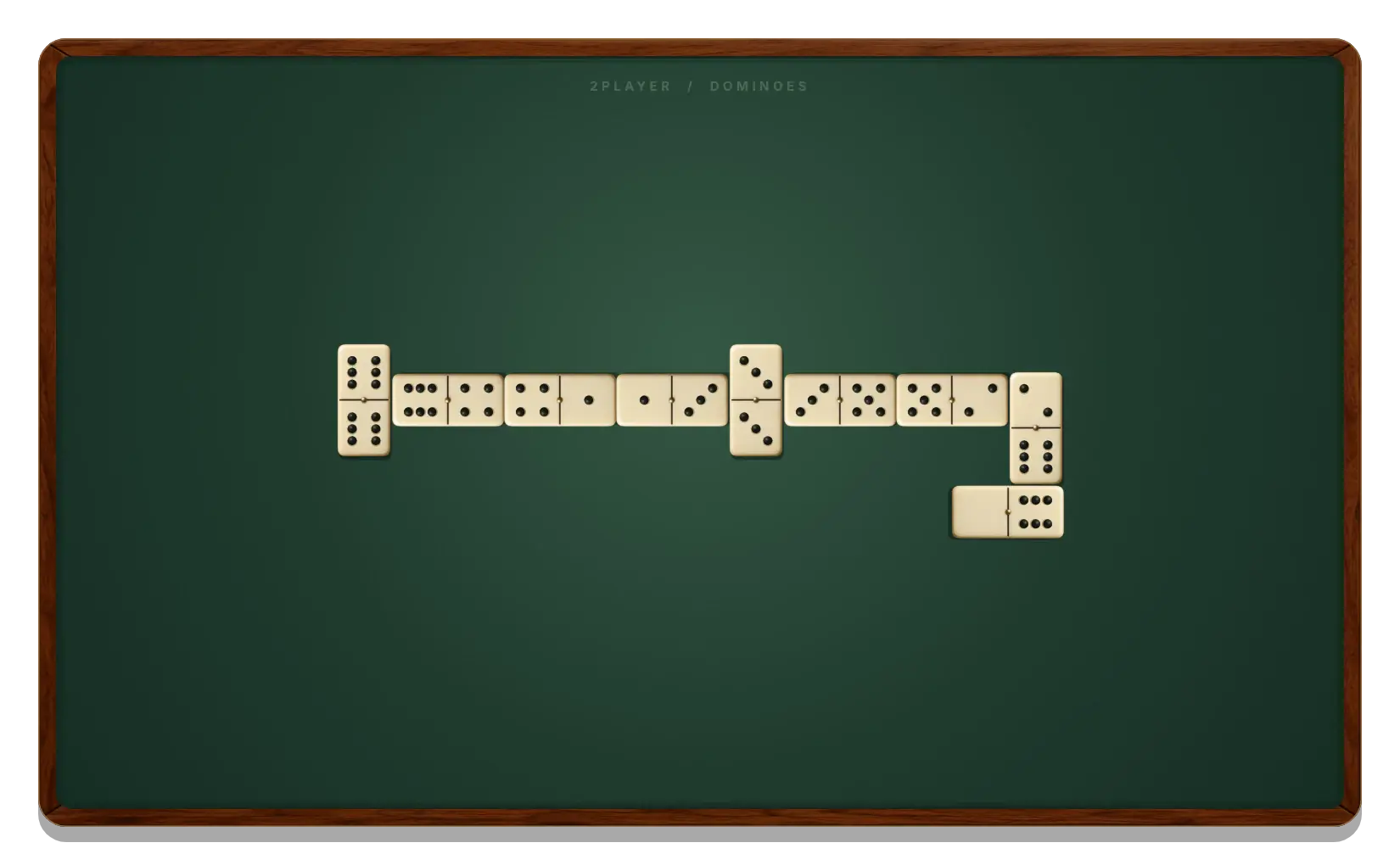
The highest opening tile decides who starts, including the computer.
Both sides draw when blocked and pass only when the boneyard is empty.
Win by emptying your hand or by holding fewer pips at a blocked table.
Start a Dominoes game against the computer
- Open computer mode. The button on this page starts Vs computer directly.
- Check who opens. The highest double among both hands begins. Without a double, the highest-total tile begins, with the higher end breaking a tie.
- Play your turn. Select a highlighted tile and choose a legal end of the chain.
- Let the computer respond. It chooses its own moves and handles its draws or passes automatically.
You do not need Reveal my hand between turns in computer mode. Your tiles stay in view so you can consider your next reply.
How the computer uses its hand
The computer chooses among legal tiles in its own hand. It considers the pips it can remove and whether its remaining tiles will match the new open ends. It uses its hand and public table information, not your hidden hand or the future order of the boneyard.
If there is no legal tile, it draws according to the same rules as you. With an empty boneyard and no match, it passes. A round can end because a hand is empty or because both sides have passed.
Click Vs computer and choose Easy, Medium or Hard in the popup. You can change the level without resetting your hand or the chain.
Decisions worth practising
Count the pips you might keep
High-pip tiles are costly at the end of a round. Playing one now can help, but check whether you are giving up the only tile that connects the rest of your hand.
Keep useful numbers available
A tile that fits on both ends gives you a choice of what to leave exposed. Look at the numbers you will still hold before selecting Left or Right. The next response can change those ends again.
Watch draws and passes
A draw shows that the opponent had no match at that moment. A pass with an empty boneyard is stronger information. Use the Draw Dominoes rules to understand why the available action changes.
Bring the same skills to a human opponent
Ready to share a table? Dominoes 2 Player shows how to pass a device while keeping hands private. For separate screens, use Dominoes with a friend and send an invitation.
The Dominoes online guide compares all modes. Your computer round and shared-device round use separate local saves when storage is available. Keep your browser’s site data if you want to continue them later.
GOOD TO KNOW
Dominoes Vs Computer FAQ
Can I play Dominoes against the computer for free?
Yes. Computer mode opens directly from this page, without an account or a second player.
Does the human player always start?
No. The dealt opening tile decides who starts. If the computer holds that tile, it makes the first move.
Can the computer see my hand?
Its move selection uses its own hand and public table information. It does not use your hidden tiles or the order of the boneyard.
Can I set an easy or hard difficulty?
Yes. Click Vs computer and choose Easy, Medium or Hard in the popup. Your current hand and board are preserved.
Can the game finish before either hand is empty?
Yes. Two consecutive passes close the table. The lower pip total wins the difference; equal totals are a draw.
Make room for a better next move.
Open a computer round and see what your hand can become.
Play Against the Computer