
A LITTLE PRACTICE. A NEW PERSPECTIVE.
Chess vs computer. Find your next good move.
Take White, choose a level, and give your ideas a board. The computer answers as Black while you practise at your own pace.
- You play WhiteMake the first move
- Three levelsEasy, Medium or Hard
- No countdownRoom to think
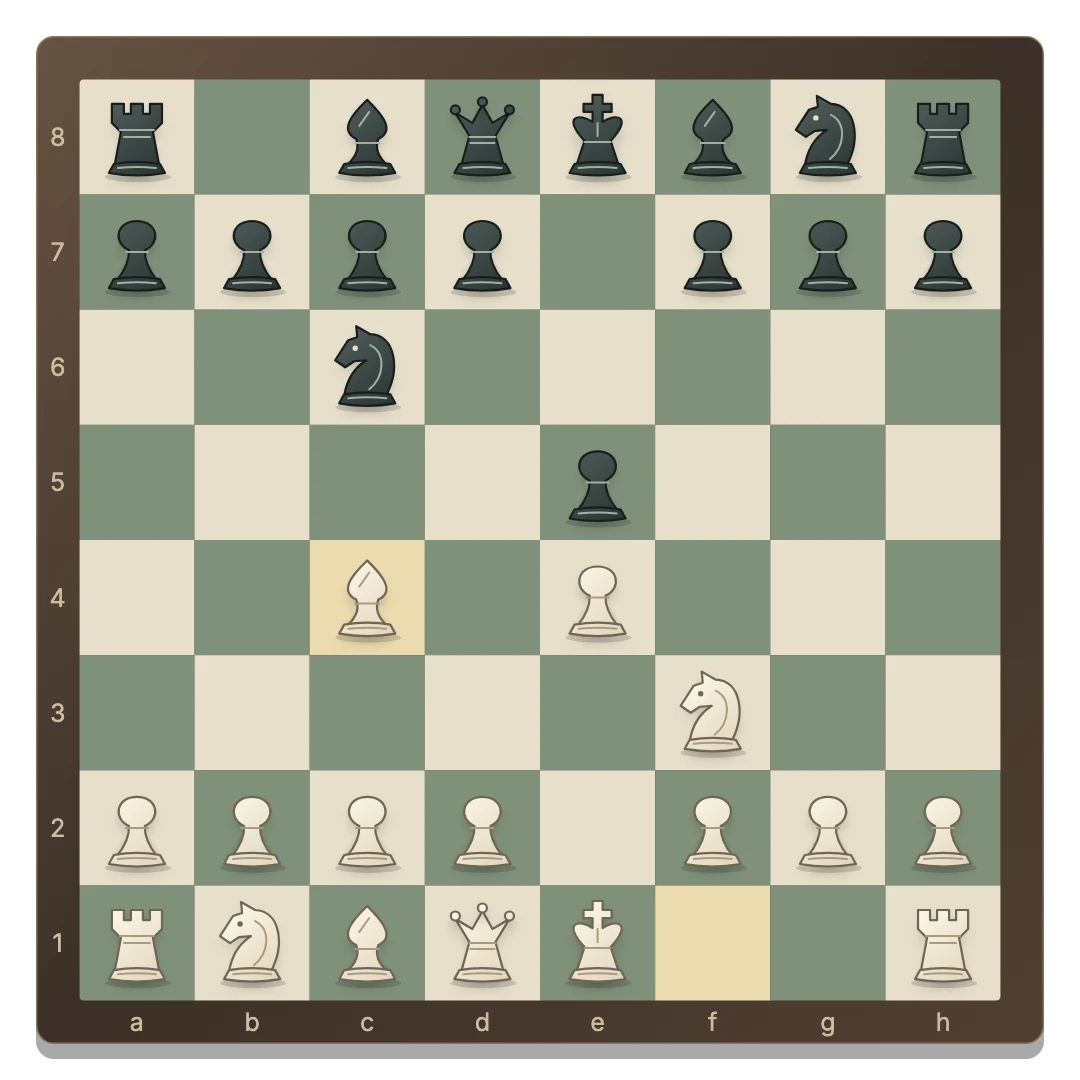
Develop your pieces and see how Black responds.
Change difficulty without resetting the board.
Solo progress saves separately in this browser.
Start your first computer game
- Choose Play Chess vs Computer. A saved solo board resumes when available; otherwise a new game begins.
- Select your level. Medium is the default. Use the Difficulty row to choose Easy or Hard.
- Make a White move. Select a piece, then one of its legal destinations.
- Wait for Black. The computer chooses its reply. You cannot move its pieces while it thinks.
New round keeps computer mode and the selected level. White starts each new game.
What the three levels change
Easy: room to experiment
Easy often chooses a random legal move. Its other moves use a short evaluation. It can miss threats and leave pieces unprotected.
Medium: a look at your reply
Medium compares material and piece activity while searching up to two half-moves ahead: its move and your response.
Hard: a deeper look
Hard searches up to three half-moves with a larger calculation budget. The search is bounded to keep the browser responsive; busy positions may use the last fully completed depth.
This is a lightweight practice opponent with no claimed Elo rating. All levels follow the same legal rules. A difficulty change preserves the position and restarts a pending computer calculation.
Give each practice game a purpose
Try bringing both knights and bishops into play before repeatedly moving the same piece. Look for an undefended piece before every capture. Check whether your opponent can answer with a check or a stronger capture.
When a game ends, open Moves and copy its PGN if you want to study it later. The interface records notation; it does not provide an evaluation graph or move-by-move coaching.
If you are learning special moves, read the castling, en passant and promotion rules. Legal destinations help you distinguish a possible move from one that would leave your king in check.
Keep practice separate from friendly games
The browser stores your computer game separately from Same device. Return through this page to resume it; if Black was to move, the computer calculates a reply after restoring the board.
Switching modes or starting a new round cancels a pending computer move. Your selected difficulty is shared with the other games on this site.
Ready for a person across the board? Try shared-screen chess or invite a friend. The online overview explains all three modes.
GOOD TO KNOW
Chess Vs Computer FAQ
Which color do I play?
You always play White and start a fresh game. The computer plays Black.
Is the computer unbeatable?
No. This is a bounded browser opponent for practice. Easy makes many random choices; Medium and Hard search ahead, but can still make mistakes.
Can I change difficulty midgame?
Yes. Choose a different level without clearing the board. A pending computer move is recalculated.
Does a solo game need a private room?
No. Computer moves are calculated in the browser. You need a connection to load the game, but no room or second player is involved.
Can I continue after a draw?
A draw ends the current game. Stalemate and insufficient material are detected, and this casual version automatically ends on threefold repetition or the fifty-move rule. Start a new round to play again.