
SIXTY-FOUR SQUARES. OPEN POSSIBILITIES.
Chess online. A good game is one move away.
Open a board in your browser and choose your company: a friend beside you, a private opponent across the internet, or the computer.
- White moves firstBlack takes the next turn
- No clockThink at your own pace
- Free to playNo account needed
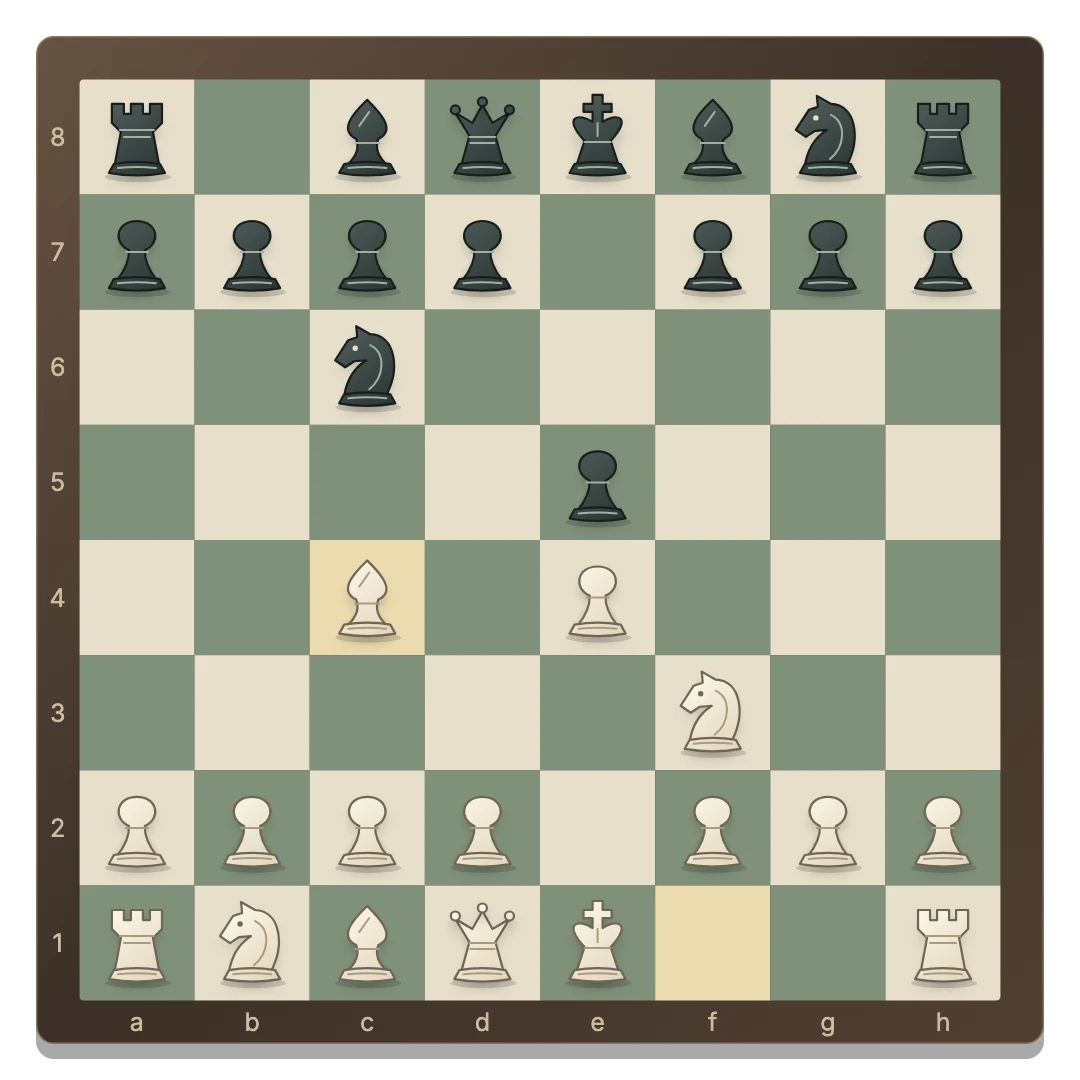
Share a device, invite a friend or choose the computer.
Play in a modern browser with mouse, touch or keyboard.
Castling, en passant and promotion are part of the board.
Open chess in your browser
- Open the chessboard. The main button starts Same device mode. A saved local game resumes when available.
- Choose a mode in the top bar. Stay on one device, select Play with a friend, or choose Vs computer.
- Make your first move. White starts. Select a piece and one of its highlighted destinations.
The page you are reading loads separately from the playable game. You need an internet connection to open the board and to stay connected during a private online match.
Choose the opponent and the screen
Two people, one screen
Chess 2 Player is for people sitting together. Both sides are controlled on the same device.
Your friend, on their device
Play with a Friend creates a private invitation. Send the link to your opponent and wait for them to join. There is no random matchmaking.
A solo practice game
Chess vs Computer lets you play White against an automatic Black opponent. Pick Easy, Medium or Hard in the top bar.
From selecting a piece to finishing the game
Click or tap your piece, then a highlighted square. Select another friendly piece to change your choice, or select the same piece again to cancel. A pawn reaching the last rank opens a choice of queen, rook, bishop or knight.
To castle, select the king and its legal two-square destination. Flip board changes the view. Moves opens the move list, with Copy PGN for saving the notation to your clipboard. Keyboard players can use Tab and Enter or Space.
The status announces whose turn it is and when the game ends. Read the full rules for checks, captures and draws.
Return to a game in progress
Same-device and computer games save separately in the current browser. Switching between these modes restores the corresponding game. New round starts again with White to move.
Private online rooms keep their state on the server. Use the same browser and invitation to return to your seat; both players must be connected to continue. Inactive rooms expire after seven days. Clearing site data removes the credentials used to recover your seat.
Games are casual and untimed. There are no ratings, tournament brackets or account profiles.
GOOD TO KNOW
Chess Online FAQ
Is this free online chess?
Yes. The shared-device, computer and private friend modes are free and require no account.
Does Online mean a random opponent?
No. This page introduces the browser game. Its main button opens a shared-device board; private friend invitations and computer play are separate choices in the top bar.
Can I play without an account?
Yes. Open the board and select a mode. Online seats are remembered in the browser where each person joins.
Are phones supported?
Yes. Tap a piece and its destination. The board also works on tablets and computers.
Can I pause the clock?
There is no chess clock. Think at your own pace, and keep both devices connected when playing in a private room.