
A WOODEN BOARD, WHEREVER YOU ARE.
Checkers online. Make your next move.
Ivory pieces, dark walnut and an open diagonal. Play a quick round in your browser and choose who takes the other side.
- Three ways to playLocal · friend · computer
- Russian draughtsFlying kings and backward captures
- No downloadOpen the browser board
Take turns with someone beside you.
Invite a specific friend from another device.
Practise on Easy, Medium or Hard.
Open the board and choose a mode
Play Checkers Online opens Same device mode. Use the three buttons at the top to choose how you want to play.
- Same device: both sides use your screen.
- Play with a friend: create or reopen a private invitation.
- Vs computer: choose Easy, Medium or Hard in the difficulty popup.
You can use a phone, tablet or computer. The board adjusts to the available window.
Simple controls for a complete turn
Select a piece to see its legal destinations. Tap or click the destination to move. For a multiple capture, select the final square; the game completes the legal route. If routes share that square, a choice appears before the turn is submitted.
Keyboard users can Tab through playable squares and use Enter or Space to activate them. Game menu contains Flip board and Moves. The gold player panel indicates the current turn.
Know which checkers you are playing
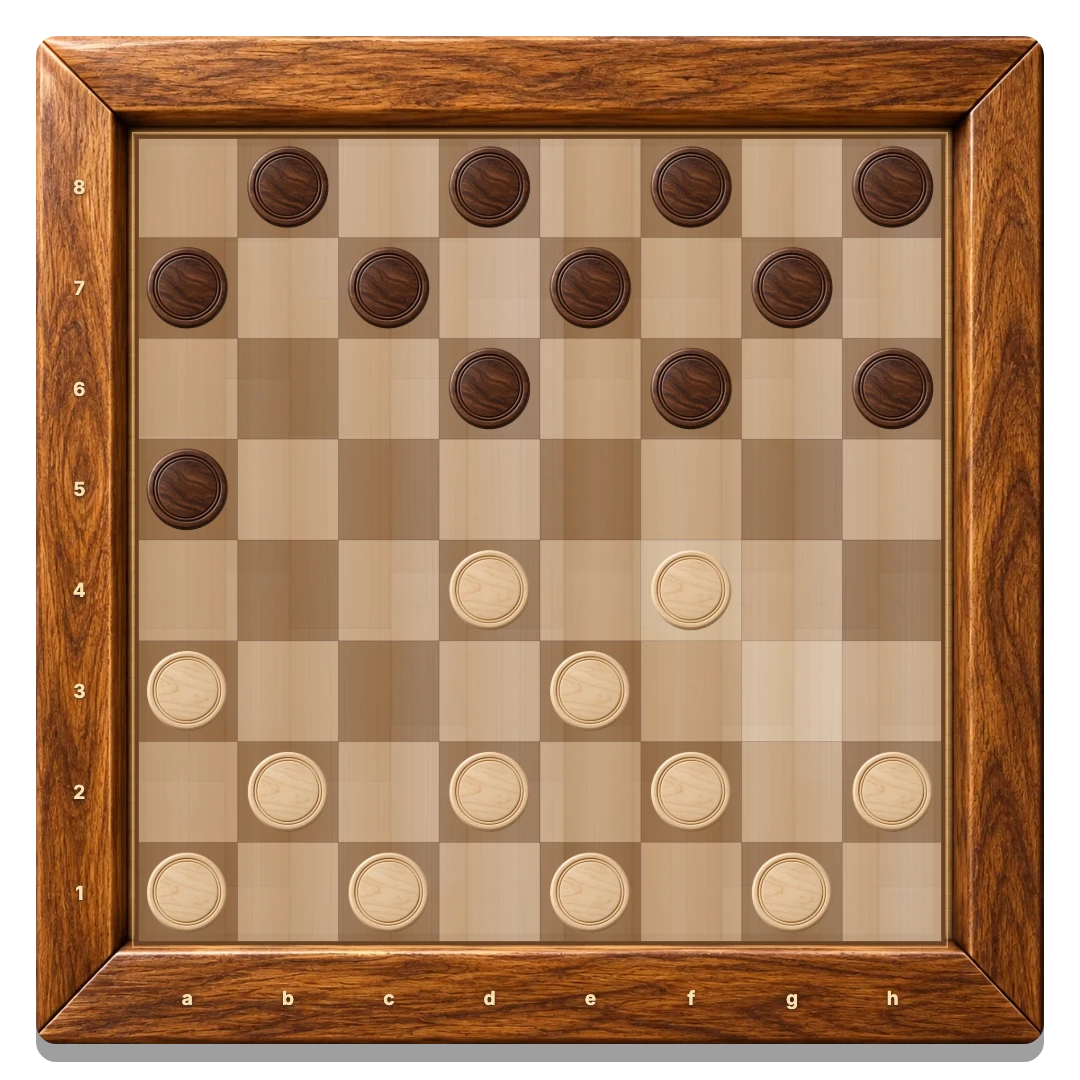
This board uses Russian draughts: 8×8 squares, twelve pieces per player, and White moves first. Men move one square diagonally forward and capture both forward and backward. Kings travel along clear diagonals.
Captures are compulsory. Continue a capture until there are no more jumps on that route. If several complete routes are available, you can choose any of them; taking the largest number is not required. A man reaching the far edge becomes a king immediately, even during a series.
The round ends when one side has no pieces or no legal move. Automatic draw rules also apply. This is casual play without a clock, rating or random opponent search.
Pick the right kind of round
Use Checkers 2 Player when sharing a screen. For a remote opponent, read how private invitations work. The computer guide explains the three practice levels.
Local and solo games save separately in this browser. Private rooms save confirmed moves on the server and reconnect after a temporary interruption.
GOOD TO KNOW
Checkers Online FAQ
Does online mean a random opponent?
No. The browser game offers a shared screen, a computer opponent and private invitations for a specific friend.
Do I need to install anything?
No. Open the game in a browser with JavaScript enabled.
Can men capture backward?
Yes. This version uses Russian rules, so men capture in both diagonal directions.
Can I return after refreshing?
Yes, in the same browser. Local saves restore your round; a room invitation restores your online seat while the room remains available.