
YOUR PRACTICE PARTNER IS READY.
Carrom vs computer. Make time for a better shot.
You play white. The computer plays black. Work on a clean pocket, a controlled rebound or a well-planned queen cover without waiting for another player.
- You play whiteYou break first
- Automatic opponentBlack takes its own turns
- Free solo practiceNo invitation needed
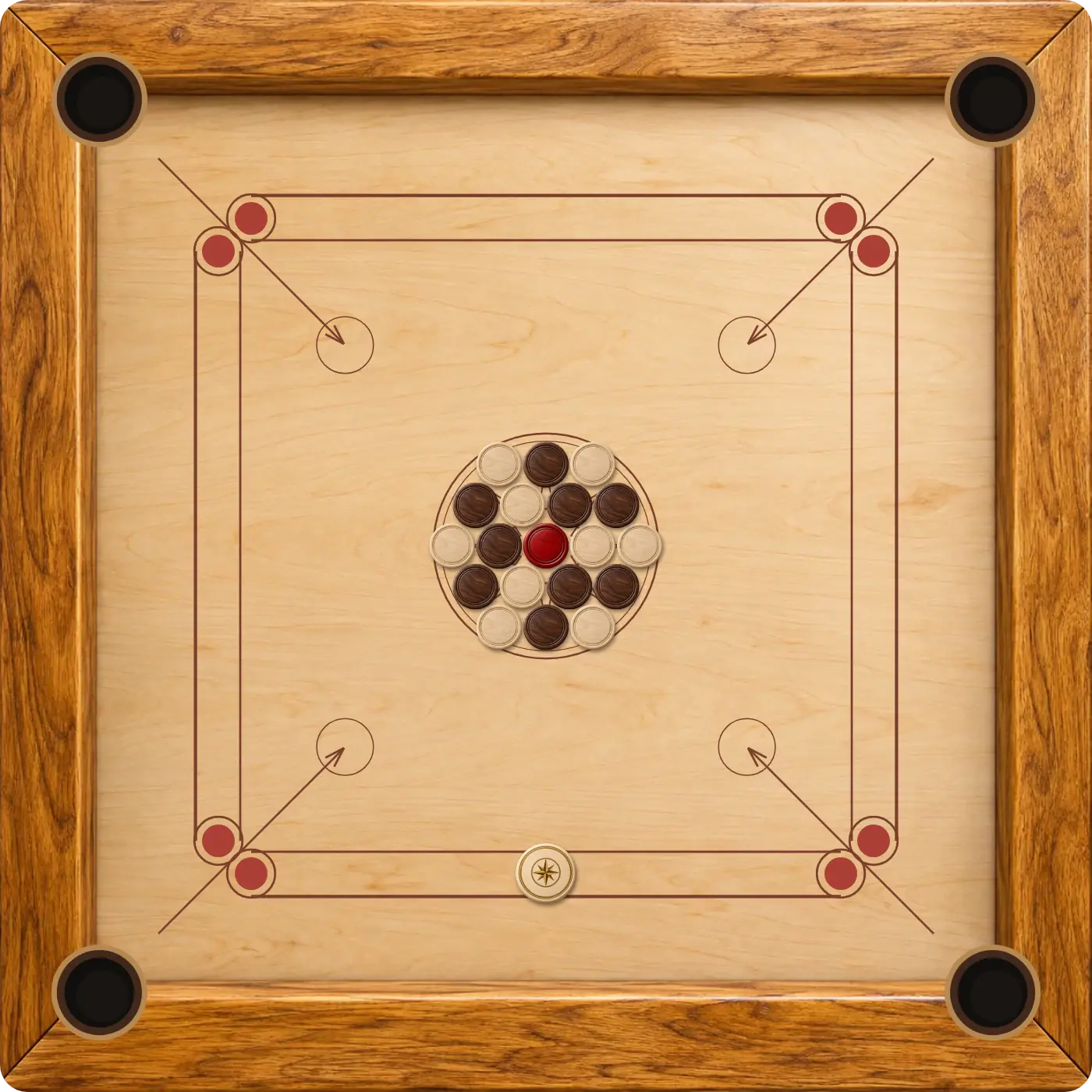
The board stays oriented toward your side during computer turns.
The same coins, fouls and queen covers apply to both sides.
Computer progress can resume in the same browser.
How to start Carrom against the computer
- Open Vs computer. Use the button on this page to load the computer mode directly.
- Take white’s opening shot. Move the striker, pull back to aim and release to break the starting group.
- Wait for black. The computer chooses and plays its own shots when its turn arrives.
- Play the position you receive. Look for a clear coin-to-pocket route before selecting your next striker position.
A saved computer board can resume when you return using the same browser. Use New round when you want to practise a fresh opening.
What the computer does
The computer takes legal shots using the same board physics and scoring rules as you. It considers routes toward pockets, the position of other coins and the consequences of a possible shot. It still has to cover the queen and avoid striker fouls.
Black can earn follow-up shots by pocketing black coins, just as you can with white. Wait until the turn indicator returns to you before dragging the striker again. The board view stays on your side throughout the round.
Click Vs computer to choose Easy, Medium or Hard in the difficulty popup. Choosing another level keeps your current board.
Three things to practise against the computer
Choose the contact point
Look from the target coin to the pocket first. Move the striker to a baseline position that makes the contact angle easier. A small change in starting position can be more useful than adding power.
Control the pull
Use enough force to carry the coin to the pocket. Increase it deliberately for a long route or a crowded opening. If you start a drag you do not want, bring it back to the starting point to cancel.
Plan a queen cover
Before pocketing the queen, identify a white coin you can use for the cover. Keeping a reachable coin available gives you a better follow-up plan. Read the queen rules if the return of a queen or last coin surprises you.
Take your practice to a two-player board
When someone is ready to join you, open Carrom 2 Player for a shared screen, or Carrom with a friend to create an online invitation. A human opponent brings different choices and a chance to discuss the shots together.
The Carrom online overview brings all three playing modes together. Computer and shared-device boards have separate local saves when browser storage is available, so switching modes does not require treating them as one match.
GOOD TO KNOW
Carrom Vs Computer FAQ
Can I play Carrom against the computer for free?
Yes. Select Play Against the Computer to start a solo board without an account or invitation.
Which colour do I play?
You play white and break first. The computer controls black and automatically takes its own turns.
Can I choose the computer’s difficulty?
Yes. Click Vs computer and choose Easy, Medium or Hard in the popup. Your current board is preserved.
Are the queen rules different in computer mode?
No. Both sides follow the same casual single-board rules, including queen covers, returned coins and striker penalties.
Can I return to a saved computer game?
Yes, when browser storage is available. Use the same browser and keep its site data; computer and shared-device progress are saved separately.
Give your next shot a little more thought.
Open a solo board and practise one useful angle at a time.
Play Against the Computer