
A WOODEN BOARD, READY IN YOUR BROWSER.
Play Carrom online. Find your next shot.
Open a Carrom board without installing an app. Take a quick shot on a shared screen, invite a friend or practise against the computer, all with the same wooden board and rules.
- Free to playNo registration
- Mouse or touchPull back to shoot
- Three ways to playShared, friend or computer
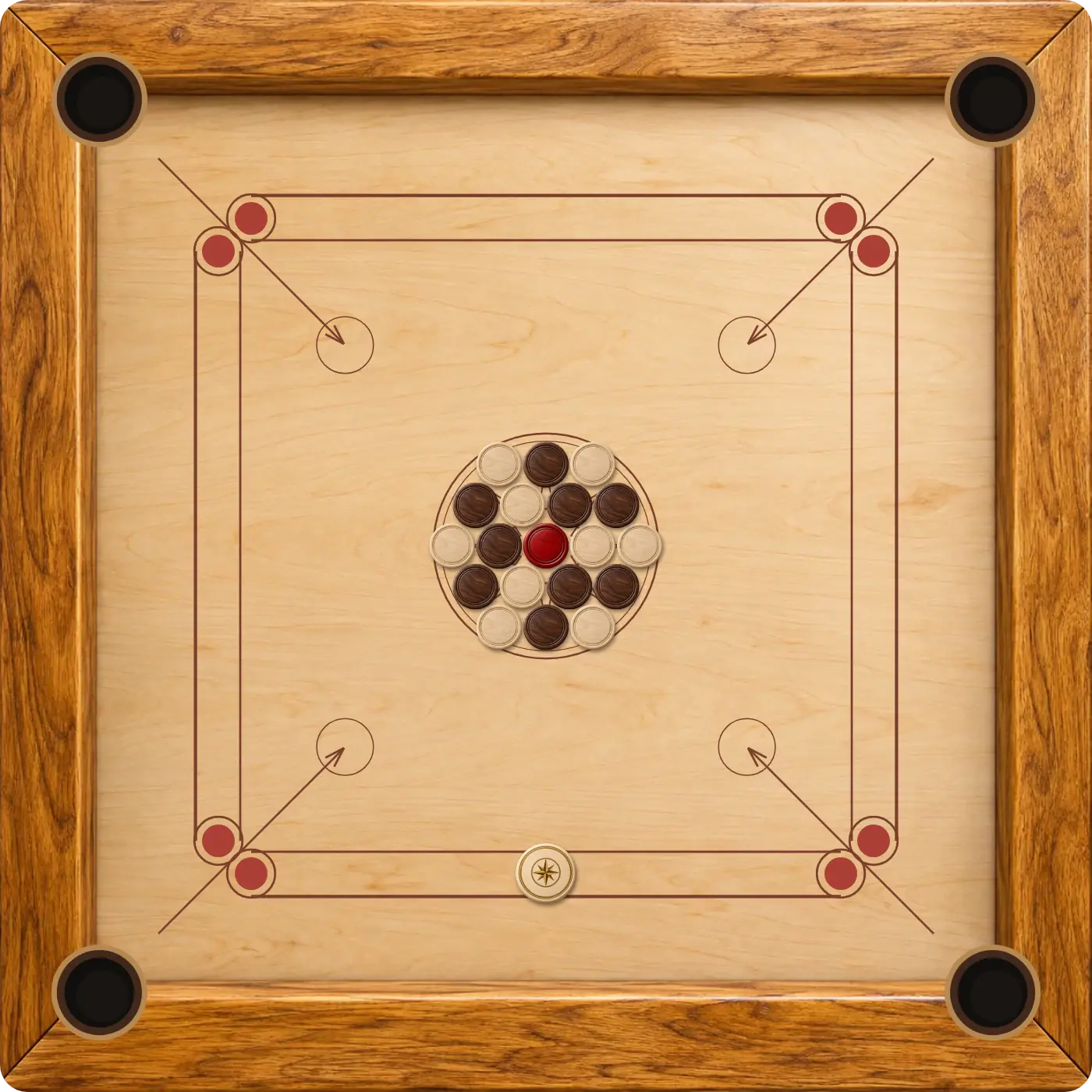
The play button opens a local board ready for your first shot.
Switch between Same device, Play with a friend and Vs computer.
Nine coins per colour, four pockets and one red queen.
How to play Carrom online
- Open the game. Play Carrom Online loads the board in Same device mode.
- Choose an opponent. Keep the shared board, select Play with a friend for an invitation, or choose Vs computer.
- Position the striker. Move it left or right along your active baseline.
- Pull back and release. Drag in the opposite direction to the shot you want. The length of your pull controls power.
Bring the striker back to where the drag began to cancel. After releasing, let every coin settle before trying another shot.
Choose how to play Carrom
Share one screen
Carrom 2 Player is a good fit when you are sitting together. Players alternate control of the same board; the view follows the active side.
Invite someone online
Play Carrom with a friend explains private rooms and invitation links. Each person joins from their own device. This mode connects invited players; it does not search for a random opponent.
Take a solo practice round
Carrom vs Computer lets you play white against an automatic black opponent. You do not need to arrange a second player.
The online Carrom board at a glance
Carrom combines aiming with planning. A striker sends smaller coins toward four corner pockets. White and black each have nine coins, while the red queen adds a shared objective. Good shots leave a useful position for the next attempt as well as pocketing a coin now.
The basic goal is to clear your colour after the queen has been covered. Taking your own coin can extend your turn; taking the striker into a pocket is a foul. The game resolves collisions, turn changes and returned pieces, so you can concentrate on the angle.
This is a casual single-board ruleset. The detailed Carrom rules explain queen covers, penalties and the end of the board before you begin a competitive round.
Playing on a phone, tablet or computer
Use touch on a phone or tablet and a mouse on a computer. A larger screen makes small gaps between coins easier to judge. If the game is still loading, allow it to finish before making your first move.
Online invitations need a working connection on both devices. Completed local turns can save in the current browser when storage is available. Online seats are also tied to that browser, so return using the same invitation and browser rather than clearing site data.
For an easier first session, practise short shots near a pocket. Once the controls feel familiar, work on longer lines, rebounds and setting up a queen cover.
GOOD TO KNOW
Carrom Online FAQ
Can I play Carrom online for free?
Yes. The browser game, private friend rooms, shared-device mode and computer opponent are free to use.
Do I have to download a Carrom app?
No app installation is needed. Open the game in a supported browser and let the board load.
Does Play Carrom Online find another player?
The button opens a shared local board. To play remotely, choose Play with a friend and send the invitation to your opponent.
Can I practise alone?
Yes. Choose Vs computer, or visit the Carrom computer guide to start directly in that mode.
Where are the complete rules?
Read the Carrom rules and queen guide, or open How to play inside the game.
The board is ready for your first shot.
Open Carrom, choose how to play and make the angle count.
Play Carrom Online