
SEND AN INVITATION. SHARE THE LANE.
A lane for you and a friend.
Roll, steer and control the slide. An arcade bowling match with a fresh rack every turn: first to 30 points wins.
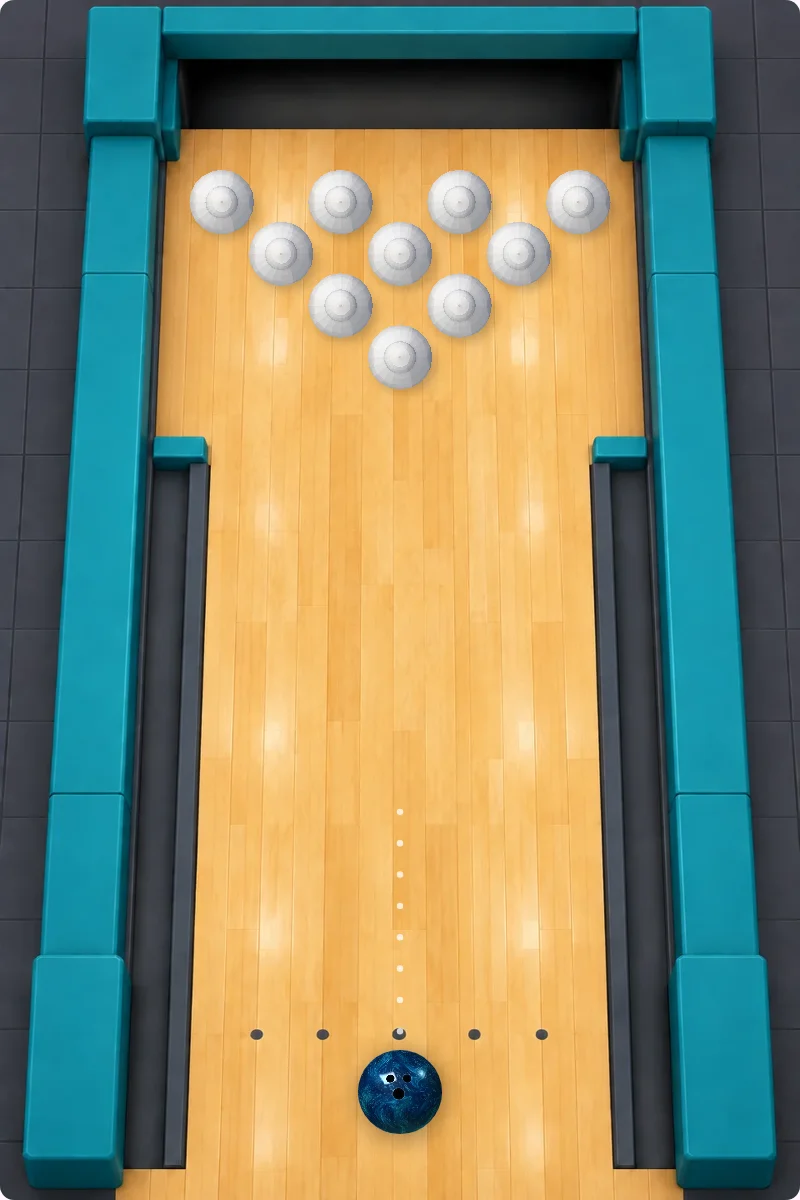
Take your turn
Create a private room, copy the invitation and share it with your friend. The creator rolls first. Both players must stay connected.
First to 30. Every pin counts.
Take one throw each, alternating players. Every throw starts with ten fresh pins. Each fallen pin earns 1 point; a strike earns 15. The first player to reach 30 points wins. A gutter ball cannot return to the lane.
Roll, then steer.
Move or tap to choose a starting position. Click, tap Roll or press Space or Enter to launch. While the ball moves, hold Left/Right or A/D, move the mouse, drag on the lane, or hold the arrow buttons. Release to coast. Steering ends at the pin deck.
Control the slide.
The floor is slippery: steering adds sideways force, so the ball continues to drift after release. Steer in the opposite direction to brake before turning. Pins wobble and collide with each other; a straight centred roll can strike.
Three computer levels.
Choose Easy, Medium or Hard in the computer menu. Easy adds aiming errors; Medium and Hard search possible releases using the same physics. Changing difficulty preserves the match.
Return to your match.
Local and computer matches save separately, including an unfinished delivery. The shared physics replays the saved release and steering history when you return. Online, both players must stay connected; the server simulates the ball and saves points before publishing them. Reopen the invitation in the same browser to resume. Both players agree to a new match.
Questions & answers
How does scoring work?
Take one throw each, alternating players. Every throw starts with ten fresh pins. Each fallen pin earns 1 point; a strike earns 15. The first player to reach 30 points wins. A gutter ball cannot return to the lane.
Can I steer after throwing?
Move or tap to choose a starting position. Click, tap Roll or press Space or Enter to launch. While the ball moves, hold Left/Right or A/D, move the mouse, drag on the lane, or hold the arrow buttons. Release to coast. Steering ends at the pin deck.
Why does the ball keep sliding?
The floor is slippery: steering adds sideways force, so the ball continues to drift after release. Steer in the opposite direction to brake before turning. Pins wobble and collide with each other; a straight centred roll can strike.
Can we play on different devices?
Yes. Create a private room and share the invitation. Both players must be connected; no account is required.