
YOUR CHECKERS. YOUR PACE. A LITTLE PRACTICE.
Backgammon vs computer. Find your next good move.
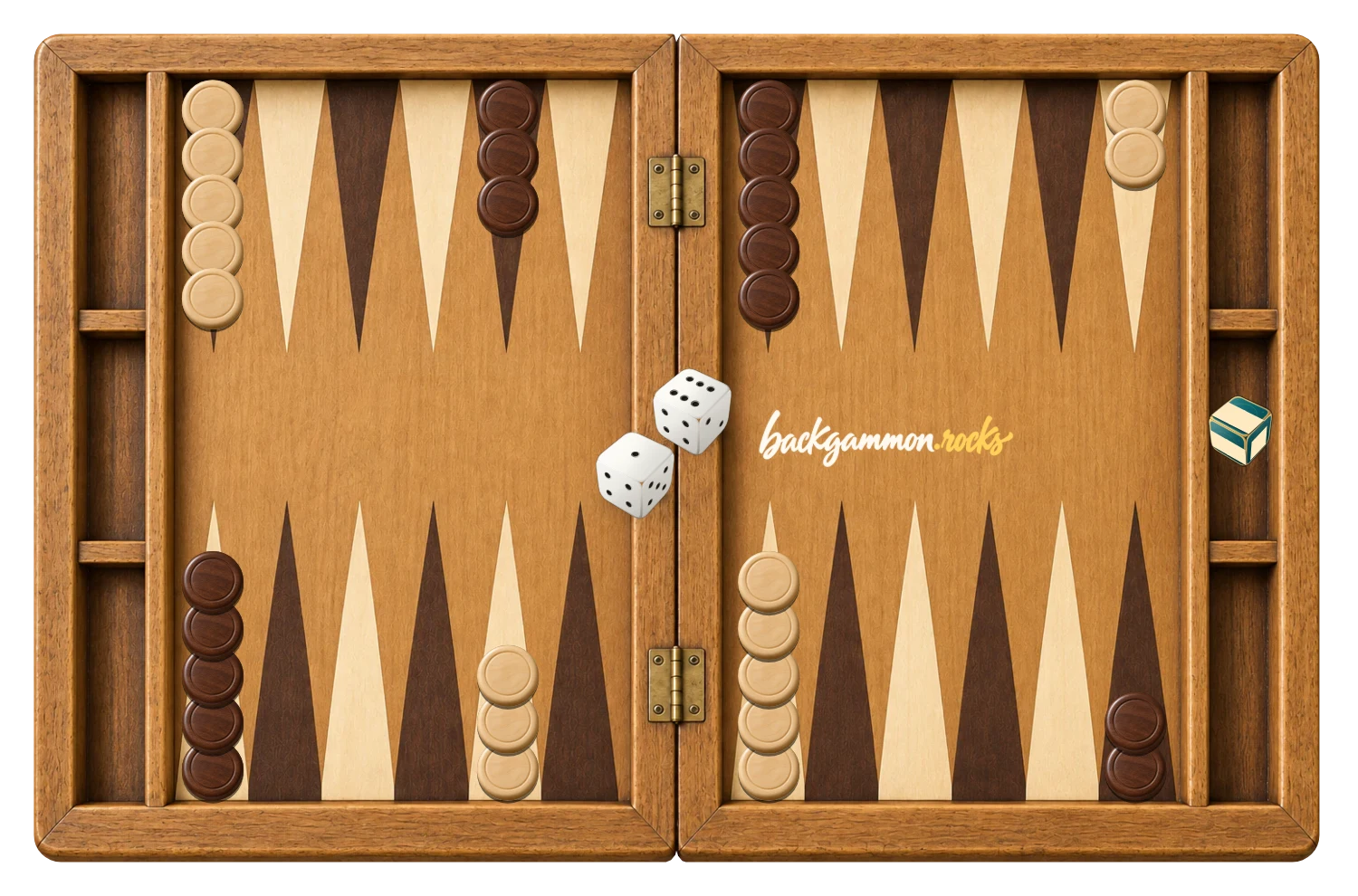
Play White against a dark-checker opponent. Try a safe point, take a chance on a hit, and learn how each roll changes the race.
- You play WhiteThe opening roll decides who starts
- Three levelsEasy, Medium and Hard
- Saved solo gameResume in this browser
Easy picks a random legal continuation.
Medium weighs progress, hits, borne-off checkers and safe points.
Hard also considers possible hits and blocking formations.
Start a solo backgammon round
- Open Vs computer. The direct link restores your saved solo game and difficulty.
- Choose a level. Click Vs computer in the menu to open Easy, Medium or Hard. Medium is the default. Cancel keeps your current mode.
- Roll to start. You are White. The computer is Black and can win the opening roll.
- Play your numbers. Select your checkers and destinations. The computer rolls, moves and passes automatically on its turn.
What changes with each difficulty?
Easy chooses a random legal turn. It follows the rules but does not consistently protect exposed checkers or build useful points, leaving room to experiment.
Medium evaluates the positions available after the dice are played. It balances race distance, borne-off checkers, hits and occupied points using the existing backgammon opponent’s evaluation.
Hard adds penalties for checkers exposed to possible hits and rewards consecutive blocked points and a stronger home board. It evaluates the visible position rather than predicting every future roll. These are practice opponents without a claimed playing rating.
Change difficulty through Vs computer at any time. The current board stays in place, and a pending computer choice is recalculated at the new level.
Three useful situations to practise
Build a point
Two checkers together close a point to your opponent. Compare a fast but exposed advance with a move that leaves two checkers safely together.
Hit with a reason
Sending a blot to the bar slows the opponent. Before hitting, notice whether your checker becomes vulnerable and whether the opponent has a clear re-entry point.
Finish the race
When both sides have passed each other, distance matters. Bring every checker home, then use the correct bearing-off numbers. The rules guide explains why a larger die cannot always remove the checker you first expect.
Keep your practice board between visits
The solo board saves separately from Same device. Reopen this mode in the same browser to restore the position and remaining dice; if the computer was due to act, it resumes its turn. New round and Play again keep the chosen difficulty.
When you want a familiar opponent, create a private invitation. The Backgammon online guide explains the difference between local, solo and private online games.
GOOD TO KNOW
Backgammon Vs Computer FAQ
Who plays first against the computer?
The higher opening die starts. You are White, but the computer may win the opening roll.
Is Hard unbeatable?
No. Backgammon involves dice, and this is a lightweight positional opponent. Hard considers more risks and formations than Medium but does not guarantee optimal play.
Does changing difficulty restart the game?
No. Open Vs computer and select the new level. The current position and dice are preserved.
Can I move the computer’s checkers?
No. The computer handles its own turn. Wait until your player indicator becomes active.
Is the computer using hidden information?
There are no hidden hands in backgammon. The computer evaluates the public board and current dice; it does not know future rolls.