
EAT. GROW. REPEAT.
Hole against the computer. Outgrow your rival.
Learn a route through the city with an automatic opponent. Both holes follow the same eating and growth rules, and the computer has no hidden score bonus.
- 3 minutesOne hungry race
- 1 object = 1 pointSize first, then points
- Free to playNo account required
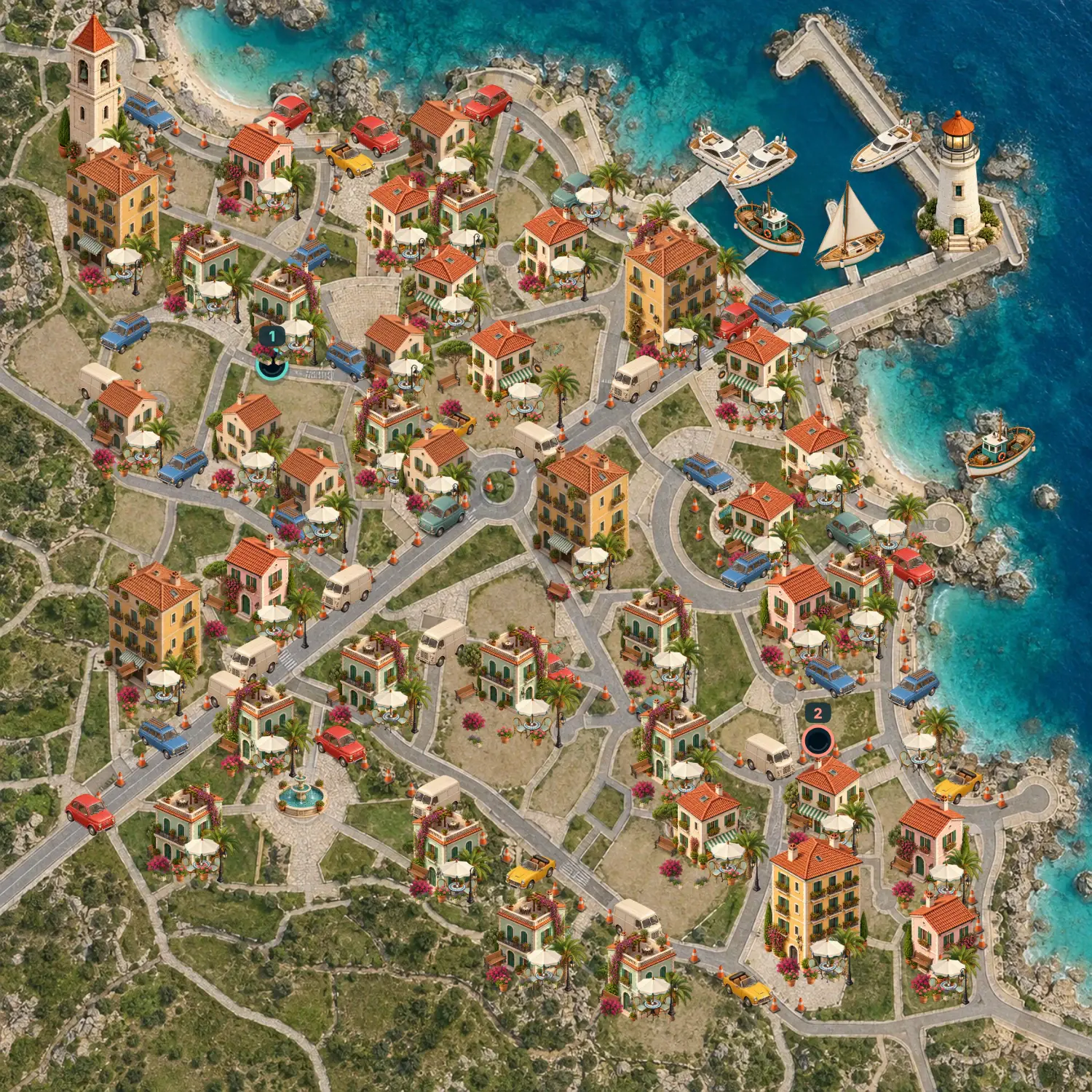
Cones and benches feed your first growth.
Plants, bicycles, cars, buildings and yachts become edible as you grow.
Both holes start with the same supply of small objects.
Choose your computer rival
Open the solo match and press Eat the city. Vs computer opens the Easy, Medium and Hard chooser. Easy moves more slowly and takes less direct routes; Medium chooses nearby food; Hard moves at full speed and favours useful growth. Changing difficulty keeps your current city and score.
Grow the biggest hole
A match ends after 3 minutes of active play or as soon as the entire city is eaten. Move over objects that fit inside your hole to grow. The larger hole wins. If both holes have the same size, the higher score wins; equal size and score is a draw. Every object gives 1 point, while larger objects add more growth. Explore houses, cars, bicycles, plants and a waterfront with yachts and palms. Holes cannot eat each other.
Steer your hole
On a keyboard, Player 1 uses WASD and Player 2 uses the arrow keys. On a touch screen, start a drag on your side of the city to create a joystick; both players can move at once. In computer and online modes, either key set controls your own hole, or hold and drag the mouse. Space pauses play.
Build an appetite before chasing towers
Follow a row of cones first, then sweep nearby benches and trees. Bigger objects help your hole grow faster, but every object still counts as one point. Once you can eat buildings, look for dense groups instead of crossing empty streets. A new round refreshes the objects on the same town plan.
Pause, return and play again
Local and computer matches save separately in this browser and restore paused. Online captures and the final result are saved before confirmation; moving positions are checkpointed every two seconds. A server failure can return movement to the last checkpoint. Leaving the tab, disconnecting or Pause stops the clock. Both online players press Ready to resume. A new online round requires both votes.
Try two players on one screen, a computer opponent or a private invitation. The online guide explains all modes.
GOOD TO KNOW
Hole Vs Computer FAQ
How do I win a Hole match?
Grow the larger hole. The match ends after three minutes or when the city is empty. Equal sizes are decided by points; equal size and points is a draw.
Why can I not eat a building yet?
The footprint must fit inside your hole. Collect smaller objects to grow first; houses become available before the largest towers.
Can I eat the other player?
No. Both holes stay in the match until the timer ends or all city objects are eaten.
Can we play on one phone or keyboard?
Yes. Use two simultaneous touch joysticks, or WASD and arrow keys on the same keyboard.
What happens if an online player disconnects?
The clock pauses. Reconnect through the same invitation, then both press Ready to continue.
Another city, another chance.
Start a fresh three-minute race in your chosen mode.
Play Hole Vs Computer