
QUICK HANDS. GOOD COMPANY.
Play Air Hockey
with a friend.
One private table, two quick mallets, and a puck that never quite goes where you expect. Send a link, defend your goal, and settle it with a race to seven.
- Private by invitationBring your own opponent
- Play at the same timeEvery save is yours
- First to 7Then ask for a rematch
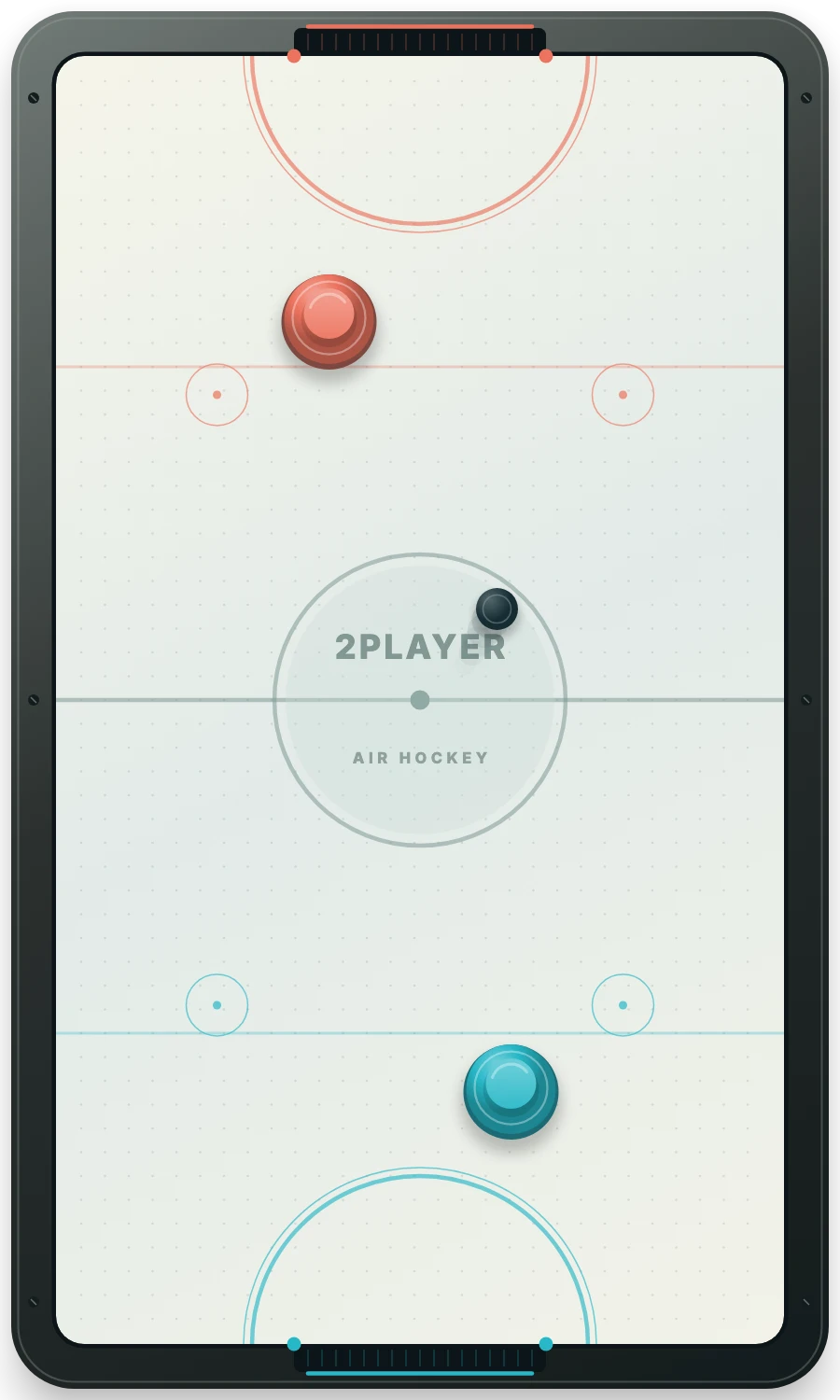
Create a private invitation and open it on two devices.
Both players press Ready before the puck starts moving.
The shared table follows the same physics for both mallets.
How to invite a friend to Air Hockey
- Create your table. Press Invite a friend to open the game in online mode.
- Copy the invitation. Use Copy invitation in the game and share the link with your chosen opponent.
- Join from another browser. Your friend opens the link on their own device. Keep your game open while they join.
- Get ready together. Both players press Ready to play. The creator has the blue mallet and receives the first puck.
The invitation is for an available second seat, so share it with the person you want to play. Opening it again in the creator’s browser restores that same seat. There is no public lobby or random-opponent queue.
If you are sitting together, try Air Hockey 2 Player on one screen. For practice alone, choose Air Hockey against the computer. The online overview compares all three modes.
Move the mallet. Make the save.
Drag on your half of the table with a finger, mouse or trackpad. Your mallet moves toward that point and strikes the puck on contact. There are no turns or separate power controls: both people can move at once.
Online, you can also click the rink and use the arrow keys. Each person controls only their own mallet. Your end appears nearest to you, and the table turns sideways in a wide window. Keyboard directions follow what you see on screen.
For shared-device play, Player 1 uses W A S D and Player 2 uses the arrow keys. On a multi-touch screen, each person drags with their own finger. A single mouse controls one dragged mallet at a time.
Air Hockey rules: first to seven
- Defend your goal. Each mallet stays within its own half and cannot cross the centre line.
- Strike toward the other end. The puck rebounds from the side rails, end rails and goal posts.
- Put the whole puck through the opening. A puck that fully enters the opposite goal scores one point. Touching the end rail outside the goal does not score.
- Reset after a goal. The mallets return to their starting positions. The player who conceded receives the puck after a short face-off pause.
- Reach seven. The first player with 7 goals wins immediately. There is no match clock or win-by-two condition.
- Agree to another match. Either person can request New round or Play again online. The score resets only after both players agree.
A casual arcade match. This version does not enforce tournament fouls, possession clocks or penalty shots. The table boundaries and first-to-7 score define the game.
Your friend stepped away? Pause the table.
Pause stops an online match for both players. Switching away from the tab or losing a connection also pauses play. When both people are back, both must press Ready to play before the match resumes.
Return through the same invitation in the same browser to recover your seat. A confirmed goal is saved before it is shown, and the moving puck is checkpointed periodically. After a server restart, a rally may resume from its latest checkpoint; the match still waits for both players to be ready.
Inactive rooms expire after seven days. Clearing browser storage removes your saved seat credential, so keep the same browser when returning to a private room. Local and computer games have their own browser saves.
Give your friend a difficult angle
Use a bank shot
Send the puck into a side rail so it approaches the goal from a new direction. Aim at the open space beside the opposing mallet, then prepare for the return.
Come back to your goal
A strong attack can leave your end exposed. Recover after the strike instead of staying at the centre line and hoping the puck goes in.
Change your rhythm
Small touches help line up a shot. Save the fast swipe for the moment when the goal is open; hitting hard on every contact can make the rebound harder to defend.
Before the first face-off
Can I play Air Hockey with a friend for free?
Yes. Create a private invitation and play from two browsers. No account is required.
Who gets the first puck?
The creator of the room uses the blue mallet and receives the first puck. After a goal, the player who conceded receives it.
Do both players move at the same time?
Yes. Air Hockey uses simultaneous mallet movement. Both players stay on their own half of the rink.
Can my friend reset the score alone?
No. Either player can request a new online match, but both must agree before the score is cleared.
What if my connection drops?
The match pauses. Reopen the invitation in the same browser, wait for both players to connect, then both press Ready to play.
Can I practise without a friend?
Yes. Vs computer provides Easy, Medium and Hard opponents for solo matches.
One more game? Send the link.
A friend, two mallets, and a puck with other plans.
Play Air Hockey with a friend ↗