
A FRIEND. A BOARD. YOUR NEXT MOVE.
Play Chess
with a friend.
Bring a familiar opponent to the other side of the board. One private link, sixty-four squares, and all the time you need to think.
- One private linkYour chosen opponent
- No accountOpen and play
- No clockMake time for a good move
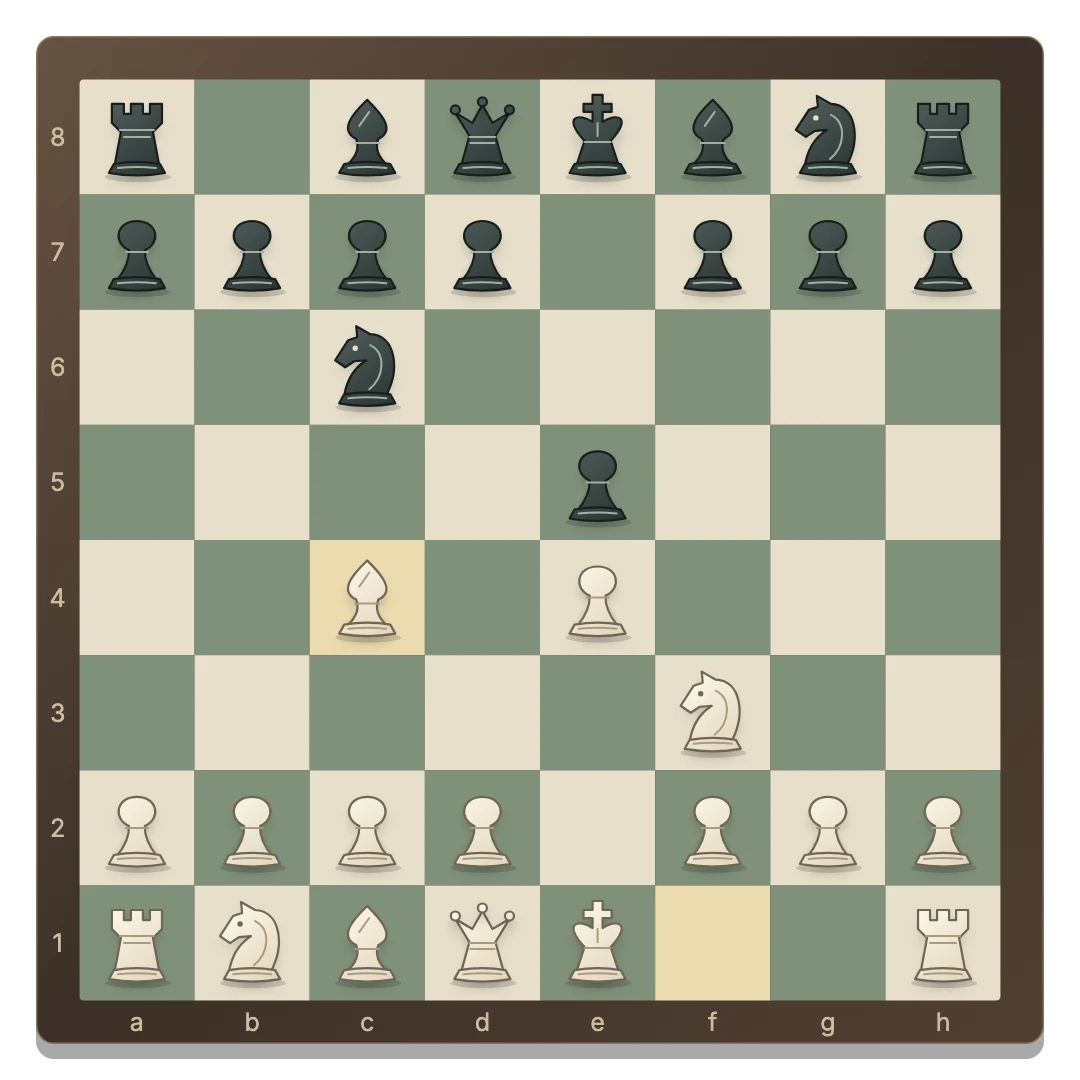
Create an invitation and send it to the person you want to play.
The creator plays White; the friend who joins takes Black.
Both devices follow the same legal moves and game result.
How to play chess with a friend by link
- Open a private board. Choose Invite a friend to create a room.
- Copy the invitation. Use Share invitation or Play with a friend in the game. Send the link to your chosen opponent.
- Join from the other browser. Your friend opens the link on their own device. The first guest takes Black; the creator keeps White.
- Keep both boards connected. White moves first. Select a piece and then a highlighted destination.
The guest sees Black at the bottom of the board. Either player can use Flip board to change their view. There is no random matchmaking. For one shared screen, open Chess 2 Player; for solo practice, try Chess vs Computer. The online guide compares all modes.
Chess rules: protect your king and threaten theirs
White moves first, then the players alternate one legal move at a time. Capturing replaces an opponent’s piece with your own. You may not capture your own piece or make a move that leaves your king attacked.
- King: one square in any direction, provided the destination is safe.
- Queen: any number of clear squares along a rank, file or diagonal.
- Rook: any number of clear squares horizontally or vertically.
- Bishop: any number of clear diagonal squares.
- Knight: two squares in one direction and one across. It can jump over pieces.
- Pawn: one square forward, or two from its starting rank if both squares are clear. It captures one square diagonally forward.
Check means the king is under attack. The next move must remove it by moving the king, capturing the attacker or blocking the attack when possible. Checkmate means there is no legal escape, and the attacker wins. The king is never captured.
Use a mouse or touchscreen to select the piece and its destination. Tab focuses squares; Enter or Space activates them. Select the same piece again to cancel your selection.
Castling, en passant and pawn promotion
Castling
Select the king and its legal two-square destination toward a rook. The rook moves to the square on the other side of the king. Neither piece may have moved previously, the squares between them must be empty, and the king cannot castle out of, through, or into check.
En passant
If a pawn moves two squares and lands beside an opposing pawn on its fifth rank, that opponent may capture it as though it moved only one square. This capture is available only on the immediately following move and must not expose the capturing side’s king.
Promotion
A pawn reaching the last rank must become a queen, rook, bishop or knight. The board opens a choice before the move is submitted. You can choose a piece even if your original piece of that kind is still on the board.
When neither side wins
Stalemate occurs when the player to move is not in check but has no legal move. The game also detects insufficient material, such as king against king or king and a single bishop against king.
Casual automatic draws: this version ends automatically on the third occurrence of the same position with the same legal possibilities, or after fifty moves by each player without a pawn move or capture. A separate draw claim is not required. Games have no clocks or ratings.
Return to your seat or play another round
Online moves are checked and saved by the server before confirmation. If a connection drops, the game reconnects and restores the position. Both players must be connected to make another move.
Return using the same browser and invitation to recover your seat. Opening the seat in another tab replaces the earlier connection. Clearing site storage removes the credential that identifies your seat. Inactive rooms expire after seven days.
Either person can request New round, but both must agree before the online board resets. White starts again. Open Moves to read the notation or copy the game as PGN before starting over.
Before your first move
Can I play chess with a specific friend?
Yes. Create a private room and send its invitation to your friend. The first person to join takes the second seat.
Who plays White?
The room creator plays White and makes the first move. The guest plays Black. Colors stay the same for a rematch.
Are all three modes free?
Yes. Play with a friend, Same device and Vs computer are free and require no account.
Can my friend join from a phone?
Yes. Each player uses their own browser on a phone, tablet or computer. Both need to stay connected.
Does refreshing lose the game?
No. Use the same browser to restore your seat and the server’s saved position. Clearing browser storage or waiting past the room’s expiry can prevent recovery.
Is this timed or rated chess?
No. This is casual chess without clocks, ratings or public matchmaking. Think at your own pace.